.png)
In this article, we'll explain how to compare two different input or output files from completely different messages on the SAP PO.
This is useful when you need to validate if the input file from production matches the input file from the test environment or in situations where messages from your middleware platform are uploaded manually or via a test case loader and you want to perform additional execution.
Prepare new Automation Object of the Type File Comparator (16).
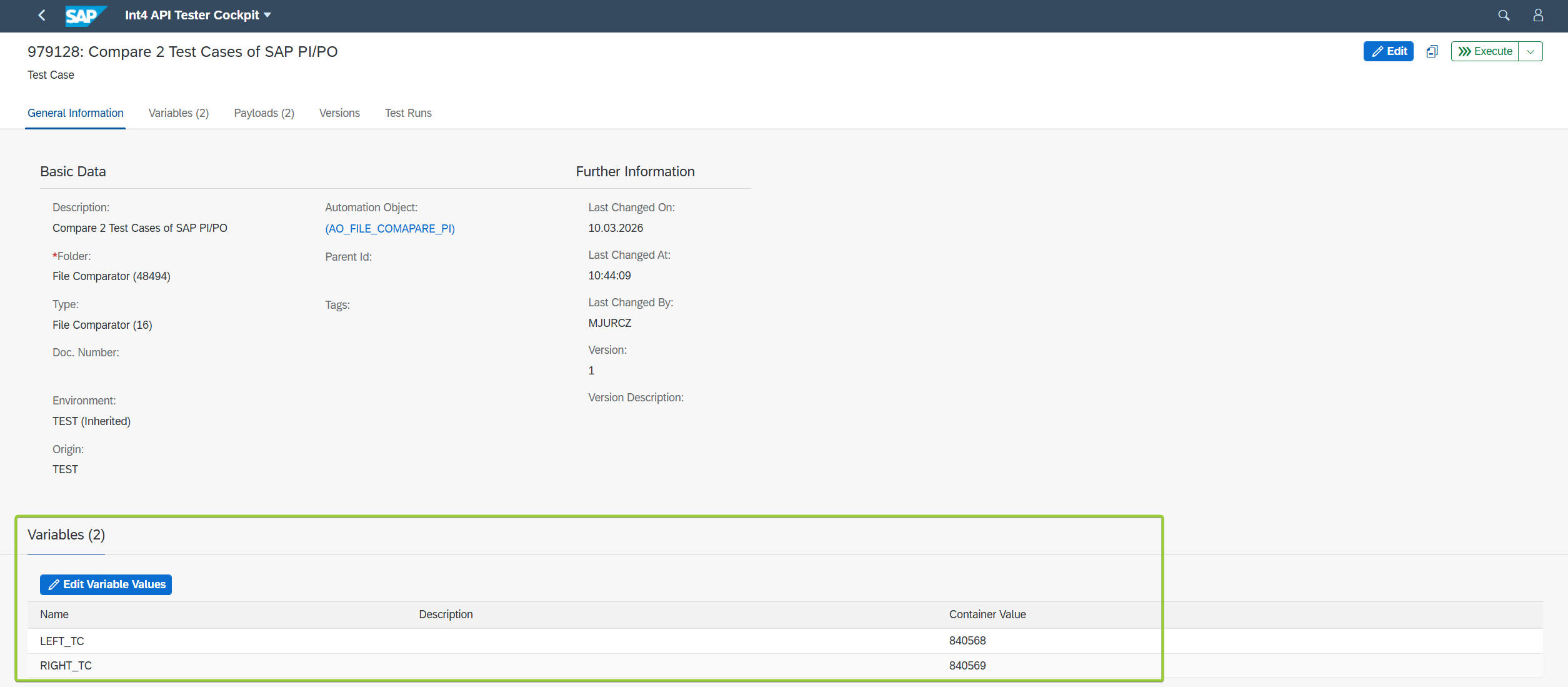
Two variables needs to be added called LEFT_TC and RIGHT_TC.

You need to use the same names provided in the instruction. When names will be different File Comparator will not work.
In order to compare only payloads without XI headers and others MIME part, it is advised to use ASTER Script to correctly parse only payloads of the messages. Here are the examples for Left and Right file.
Left File ASTER Script:
PAYLOAD = GET_TC_PAYLOAD("L");
XML_PATTERN = "<[?]xml[^>]*>.*<\\/ns0:PurchaseOrder>";
RESULT = CREGEX(XML_PATTERN, PAYLOAD, "UG");


EXTRACTED_XML = RESULT[1]["STR"];
Right File ASTER Script:
PAYLOAD = GET_TC_PAYLOAD("P");
XML_PATTERN = "<[?]xml[^>]*>.*<\\/ns0:PurchaseOrder>";
RESULT = CREGEX(XML_PATTERN, PAYLOAD, "UG");


EXTRACTED_XML = RESULT[1]["STR"];
For correct parsing of the payload you need to prepare Regex expression before.
ASTER Scripts can be added globally or locally on Automation Object Level. In this particular example scripts were added on Automation Object level:

Set up Payload Processing actions like in below screenshot:

During execution of Test Case both scripts will be executed to ensure that payload will be fetched without PI/PO headers.
Go to the API Tester Cockpit, and create new Test Case with AO of Test Type File Comparator:

Go into the Test Case, provide Test Cases ID that you want to compare:
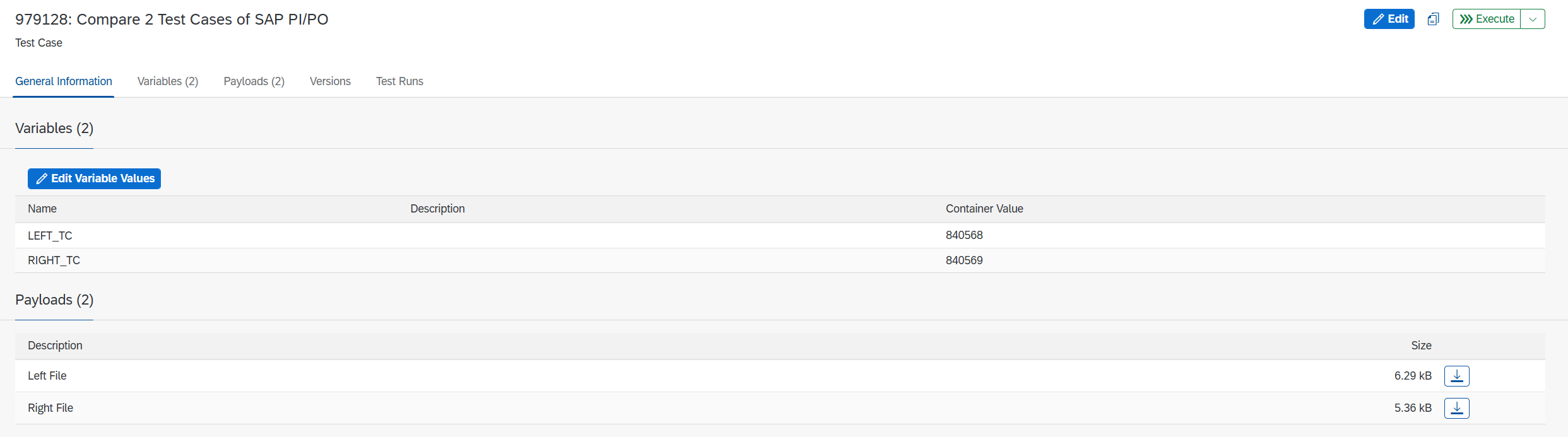
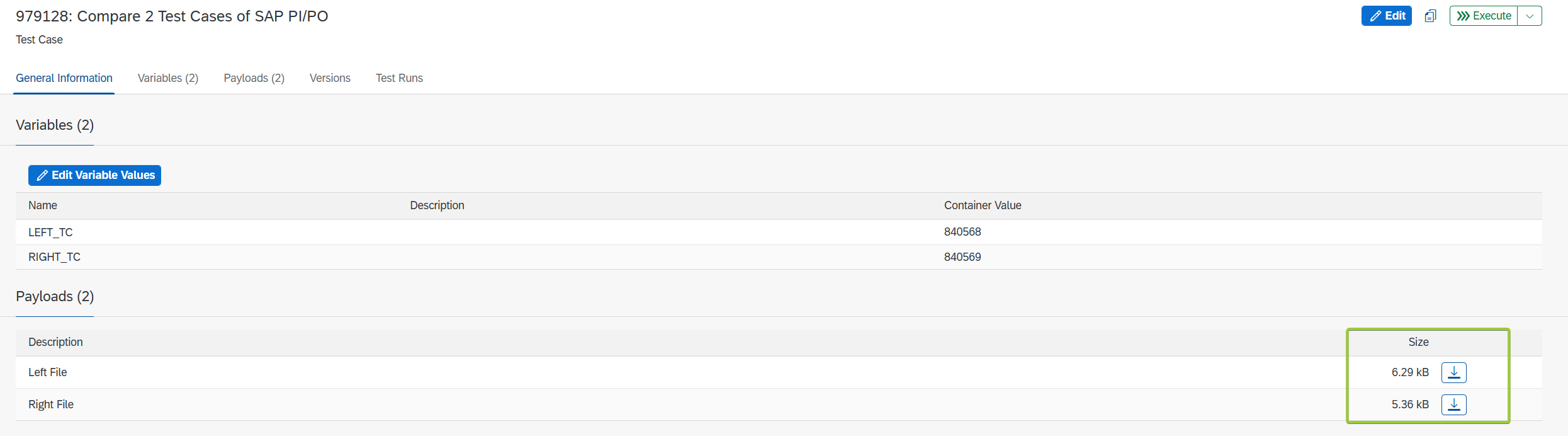
After The Test Case is saved, you can see that payloads were fetched from previous Test Cases:
Execute the Test Case, and see the result:
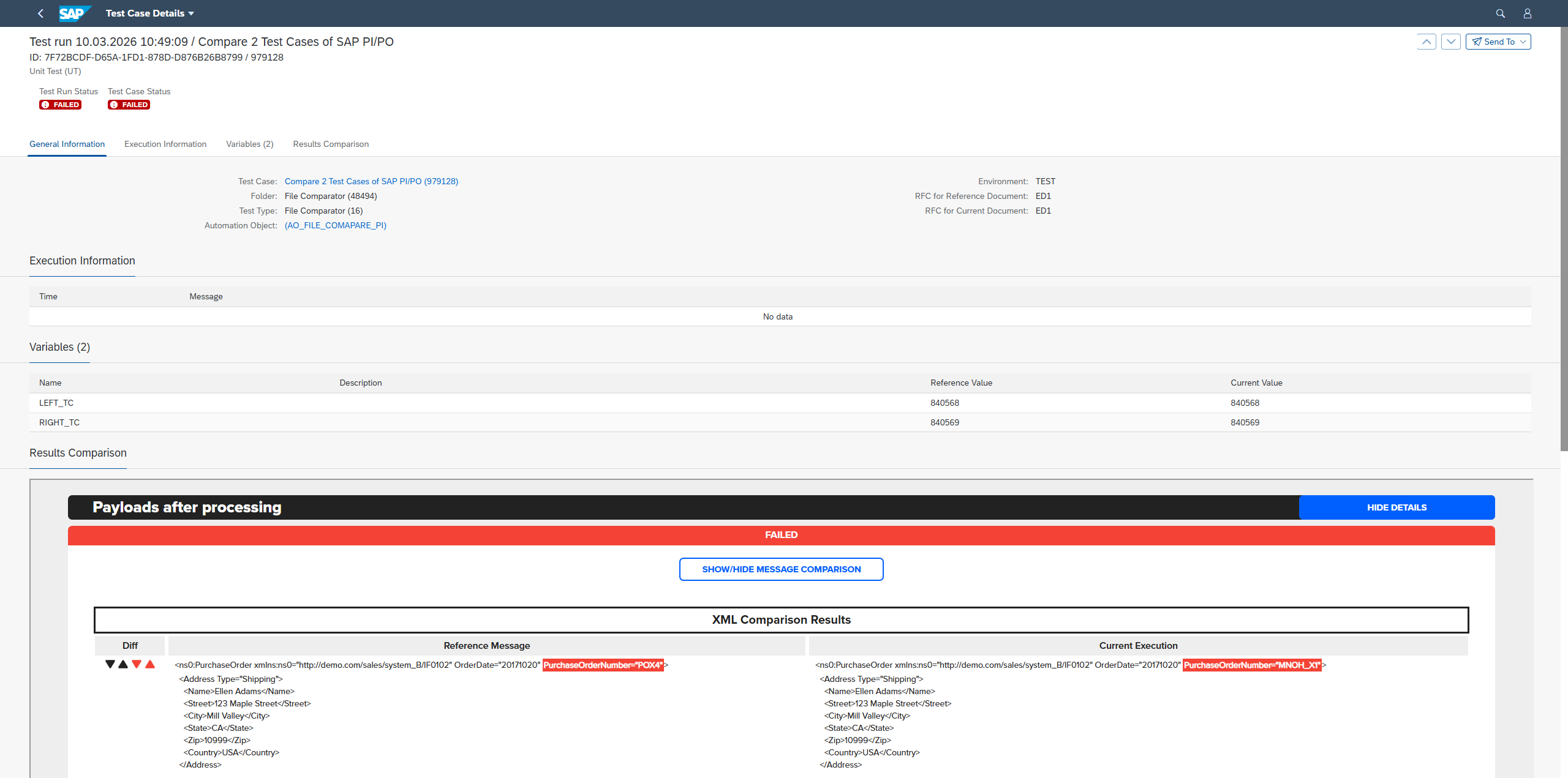
You can clearly see the comparison of input payloads of SAP PI/PO Test Types. Because the ASTER Scripts were used you can compare only the content of the message without the XI headers.