.png)
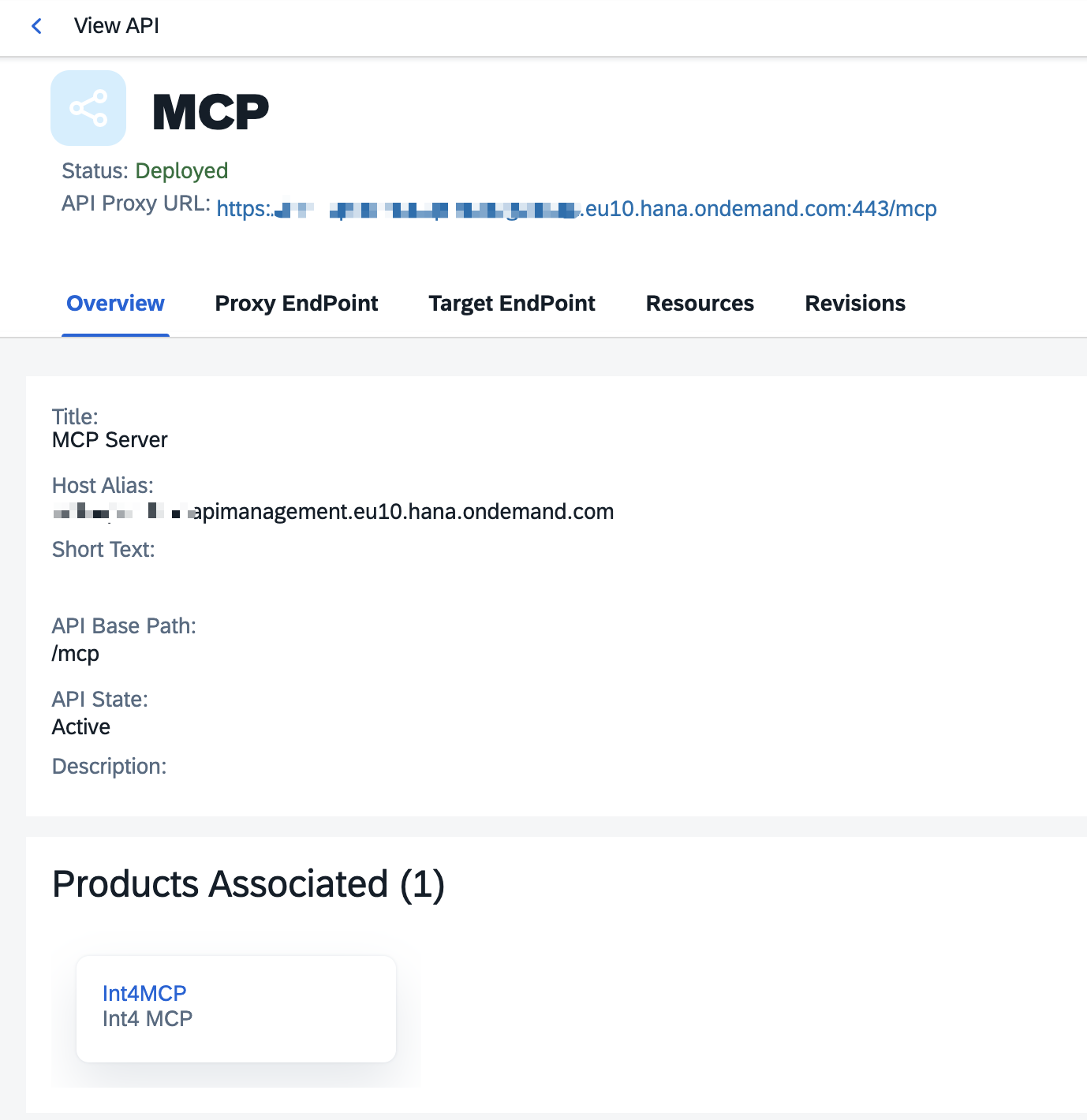
In order to enable access to backend ABAP MCP you need to expose it SAP API Management. There are 2 proxies that need to be deployed.
WellKnown
It’s an endpoint being used for dynamic metadata discovery and authentication. Before deployment adjust values in brackets {{}} in below XMLs under Policy folder:
You can edit the below configurations directly in APIM after deployment or unzip an archive, change file directly, zip again and upload to APIM.
openid-configuration.xml
<!-- This policy can be used to create or modify the standard HTTP request and response messages -->
<AssignMessage async="false" continueOnError="false" enabled="true" xmlns='http://www.sap.com/apimgmt'>

	<!-- Sets a new value to the existing parameter -->
	<Set>
		<Payload contentType="application/json" variablePrefix="@" variableSuffix="#">{
  "issuer": "{{APIM host}}",
  "token_endpoint": "{{APIM host}}/.well-known/token",
  "token_endpoint_auth_methods_supported": [
    "client_secret_basic",
    "client_secret_post"
  ],
  "grant_types_supported": [
    "authorization_code"
  ]
}</Payload>
	</Set>
	<IgnoreUnresolvedVariables>false</IgnoreUnresolvedVariables>
	<AssignTo createNew="false" type="response">response</AssignTo>
</AssignMessage>
oauth-authorization-server.xml
<!-- This policy can be used to create or modify the standard HTTP request and response messages -->
<AssignMessage async="false" continueOnError="false" enabled="true" xmlns='http://www.sap.com/apimgmt'>

	<!-- Sets a new value to the existing parameter -->
	<Set>
		<Payload contentType="application/json" variablePrefix="@" variableSuffix="#">{
  "issuer": "{{APIM host}}",
  "authorization_endpoint": "{{APIM host}}/.well-known/authorize",
  "token_endpoint": "{{APIM host}}/.well-known/token",
  "grant_types_supported": [
    "authorization_code",
    "refresh_token"
  ],
  "response_types_supported": [
    "code"
  ],
  "token_endpoint_auth_methods_supported": [
    "client_secret_post"
  ]
}</Payload>
	</Set>
	<IgnoreUnresolvedVariables>false</IgnoreUnresolvedVariables>
	<AssignTo createNew="false" type="response">response</AssignTo>
</AssignMessage>
oauth-protected-resource.xml
<!-- This policy can be used to create or modify the standard HTTP request and response messages -->
<AssignMessage async="false" continueOnError="false" enabled="true" xmlns='http://www.sap.com/apimgmt'>

	<!-- Sets a new value to the existing parameter -->
	<Set>
	    <Headers>
            <Header name="Content-Type">application/json</Header>
            <Header name="Access-Control-Allow-Origin">*</Header>
            <Header name="Access-Control-Allow-Methods">GET, OPTIONS</Header>
            <Header name="Access-Control-Allow-Headers">Authorization, Content-Type</Header>
        </Headers>
		<Payload contentType="application/json" variablePrefix="@" variableSuffix="#">{
  "resource": "{{APIM host}}/mcp",
  "authorization_servers": [
    "{{APIM host}}"
  ],
  "bearer_methods_supported": [
    "header"
  ]
        }</Payload>
	</Set>
	<IgnoreUnresolvedVariables>false</IgnoreUnresolvedVariables>
	<AssignTo createNew="false" type="response">response</AssignTo>
</AssignMessage>
MCP
This proxy gives access to ABAP backend - our MCP server. Before deployment adjust values in {{}} in below XML:
APITargetEndPoint/default.xml
<?xml version="1.0" encoding="UTF-8" standalone="yes"?>
<TargetEndPoint xmlns="http://www.sap.com/apimgmt">
    <name>default</name>
    <provider_id>{{API provider (SAP system)}}</provider_id>
    <additionalAPIProviders/>
    <isDefault>true</isDefault>
    <relativePath>/sap/bc/int4/iftt/mcp</relativePath>
    <properties>
        <property>
            <name>request.streaming.enabled</name>
            <value>true</value>
        </property>
        <property>
            <name>response.streaming.enabled</name>
            <value>true</value>
        </property>
    </properties>
    <faultRules/>
    <preFlow>
        <name>PreFlow</name>
        <request>
            <isRequest>true</isRequest>
            <steps>
                <step>
                    <policy_name>token-message</policy_name>
                    <condition></condition>
                    <sequence>3</sequence>
                </step>
                <step>
                    <policy_name>get-csrf-token</policy_name>
                    <condition></condition>
                    <sequence>4</sequence>
                </step>
                <step>
                    <policy_name>set-csrf-token</policy_name>
                    <condition></condition>
                    <sequence>5</sequence>
                </step>
                <step>
                    <policy_name>set-user-and-password</policy_name>
                    <condition></condition>
                    <sequence>1</sequence>
                </step>
                <step>
                    <policy_name>basic-auth</policy_name>
                    <condition></condition>
                    <sequence>2</sequence>
                </step>
            </steps>
        </request>
    </preFlow>
    <postFlow>
        <name>PostFlow</name>
    </postFlow>
    <conditionalFlows/>
    <loadBalancerConfigurations>
        <isRetry>false</isRetry>
        <healthMonitor>
            <isEnabled>false</isEnabled>
        </healthMonitor>
    </loadBalancerConfigurations>
</TargetEndPoint>
API Provider is a SAP backend system. You can define it under API Providers tab in APIM.
Key Value Map
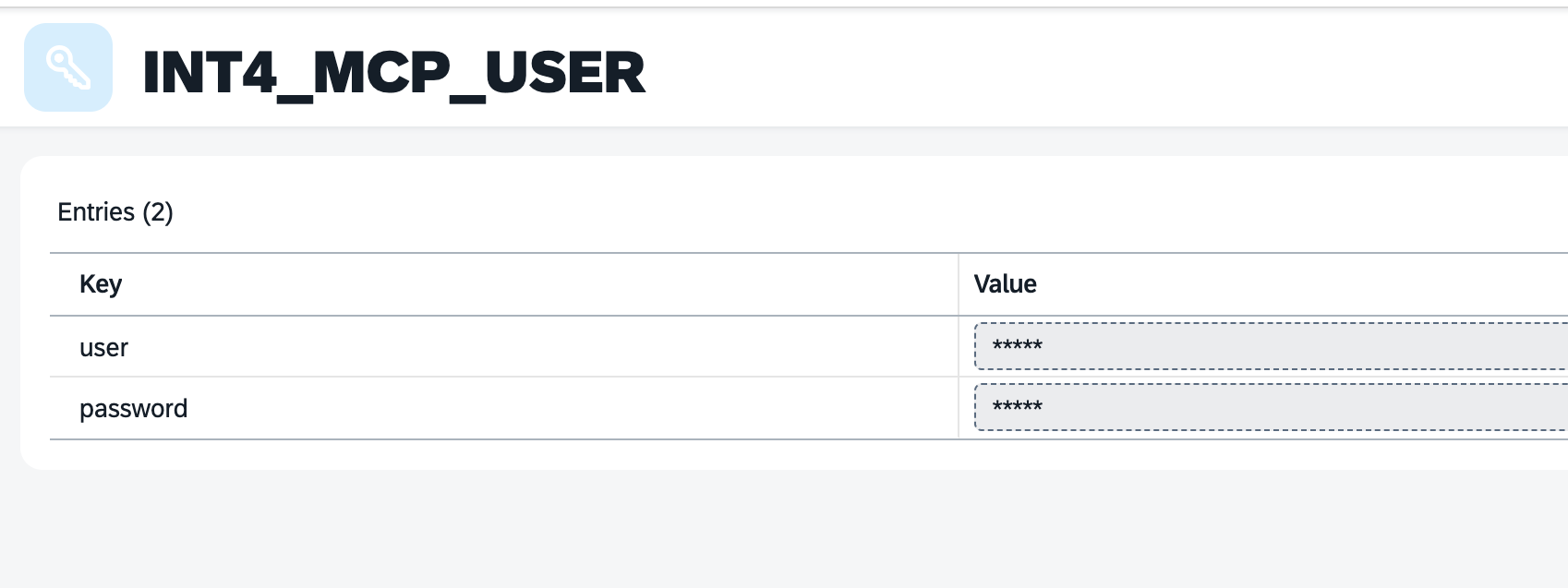
You need to deploy key value map INT4_MCP_USER with basic credentials to your SAP system.
Product
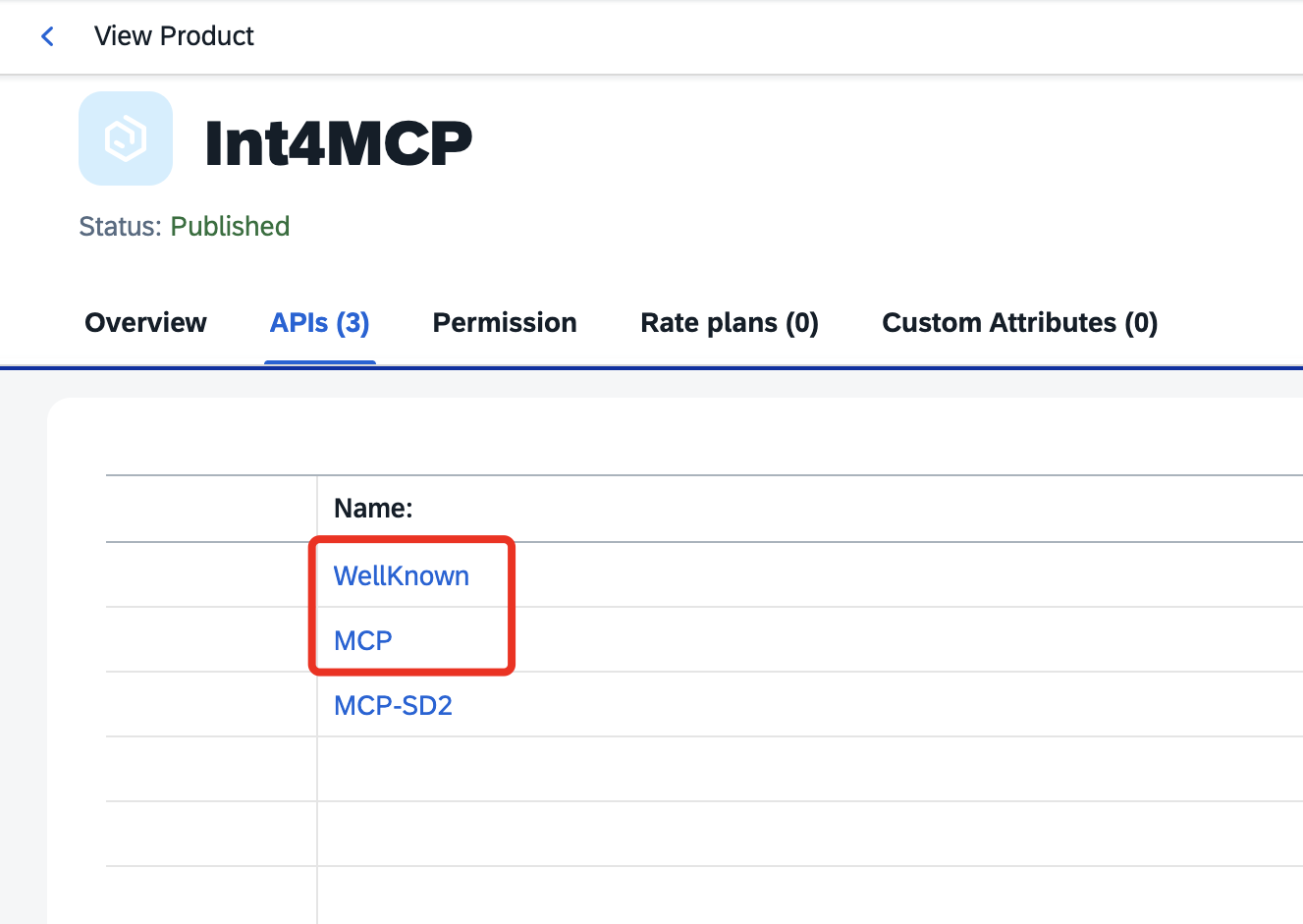
You need to assign both proxies to a single product.
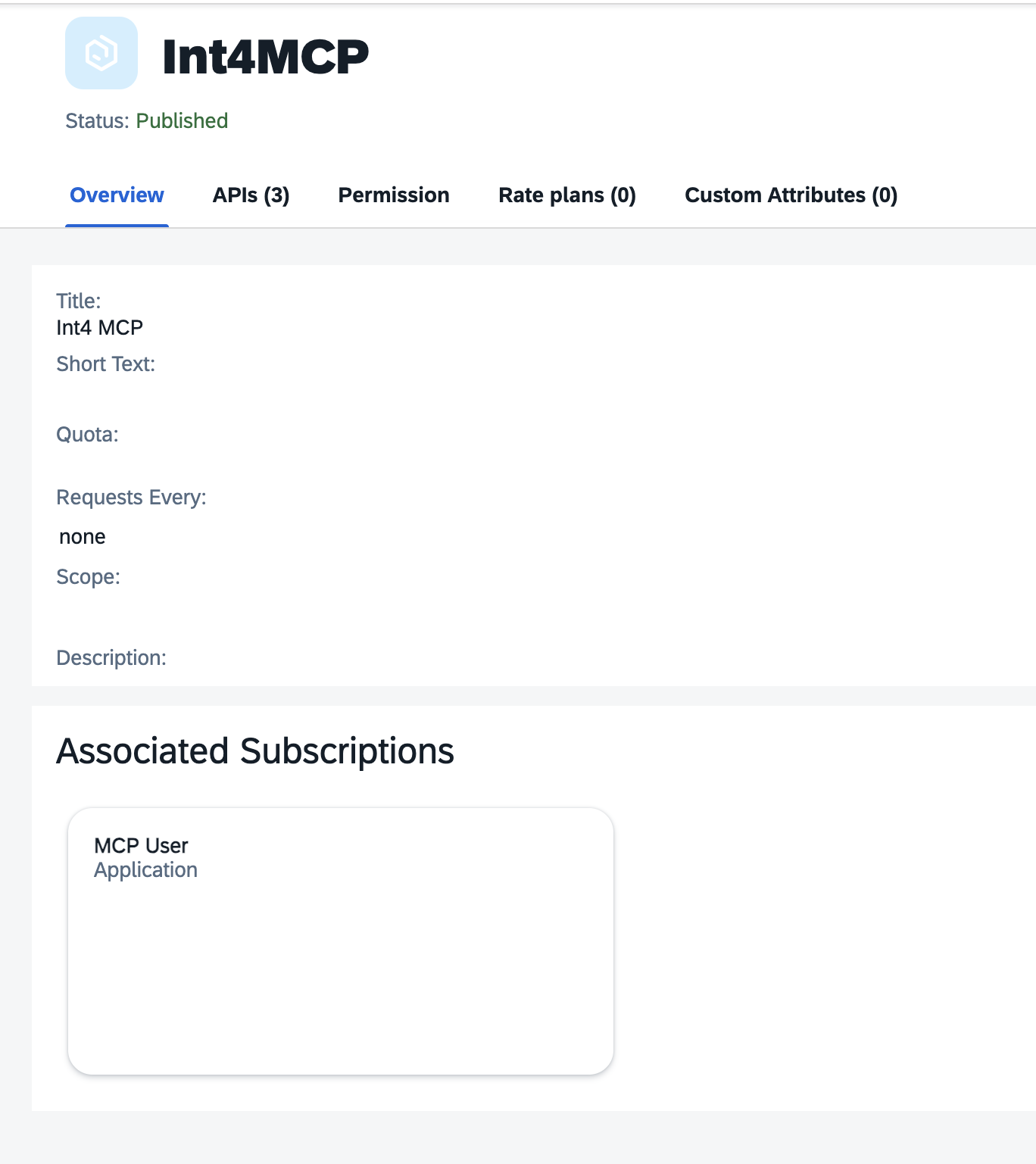
Once assigned you can create subscription.
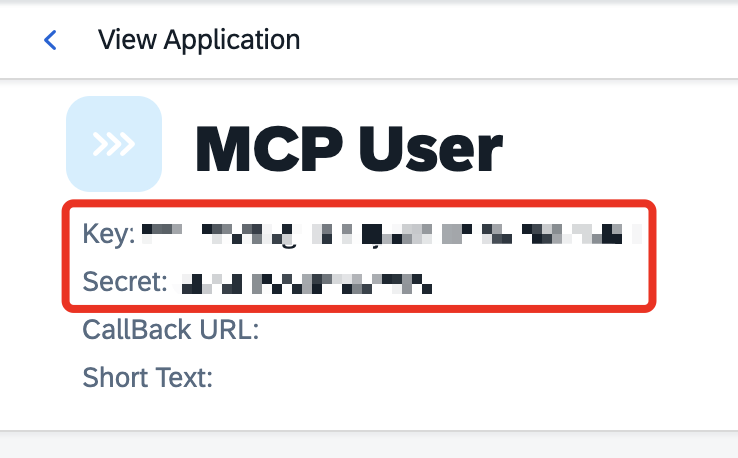
Key and secret of a subscription are credentials which should be used when connecting to the MCP.
Connecting to MCP
Once deployed URL of the MCP server is the one defined as API Proxy URL of MCP artifact.
User and password are key and secret of assigned subscription to a product respectively.