.png)
Int4 Suite offers two ways to retrieve payloads from SAP Integration Suite for Test Case Collection and Execution: fetching them from traced iFlows, or fetching them as attachments from the Message Monitor. This page explains both approaches, when to use each, and how to configure the Automation Object accordingly.
Int4 Suite allows 2 ways of fetching payloads from SAP Integration Suite:
-
Fetching payload from traced iFlows
-
Fetching attachment from stored Message Monitor
It is important that this process is relevant for Test Case Collection and Test Case Execution.
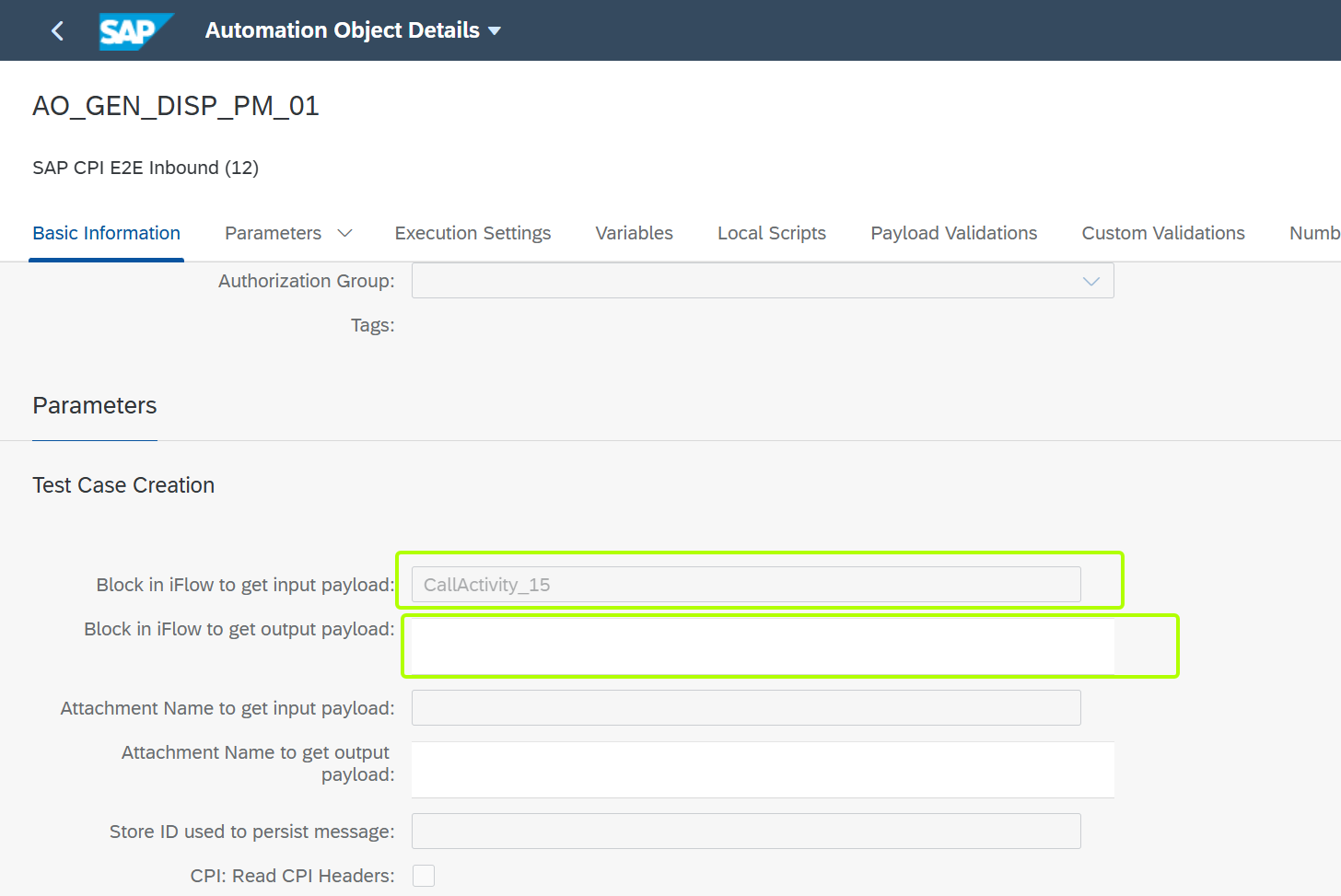
When the attachment is being fetched you can leave empty field Block in iFlow to get input payload/Block in iFlow to get output payload.
Fetching payload from traced iFlows
To fetch payloads from iFlow of SAP Integration Suite. It is important to enable trace before starting the fetching process.
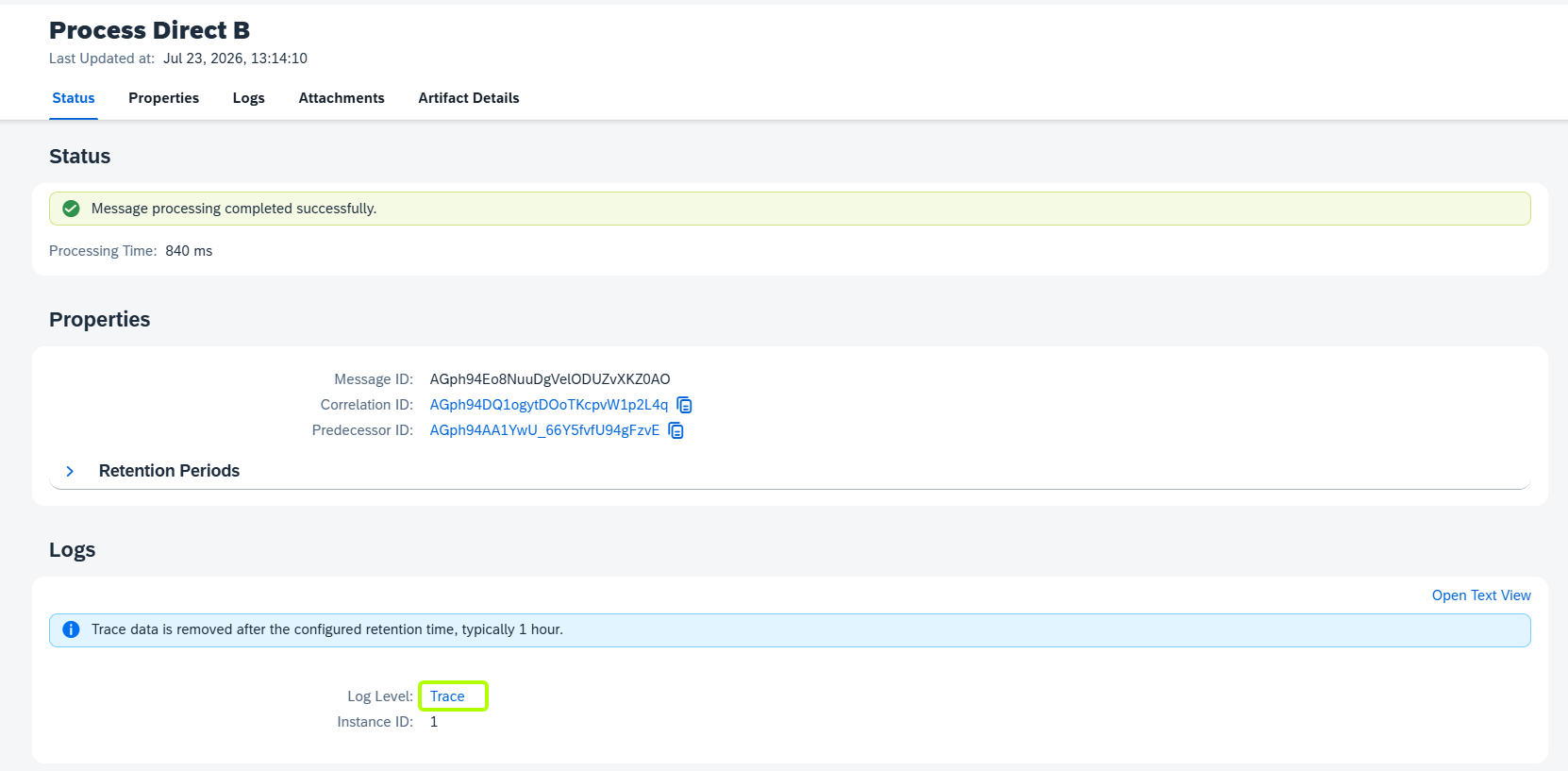
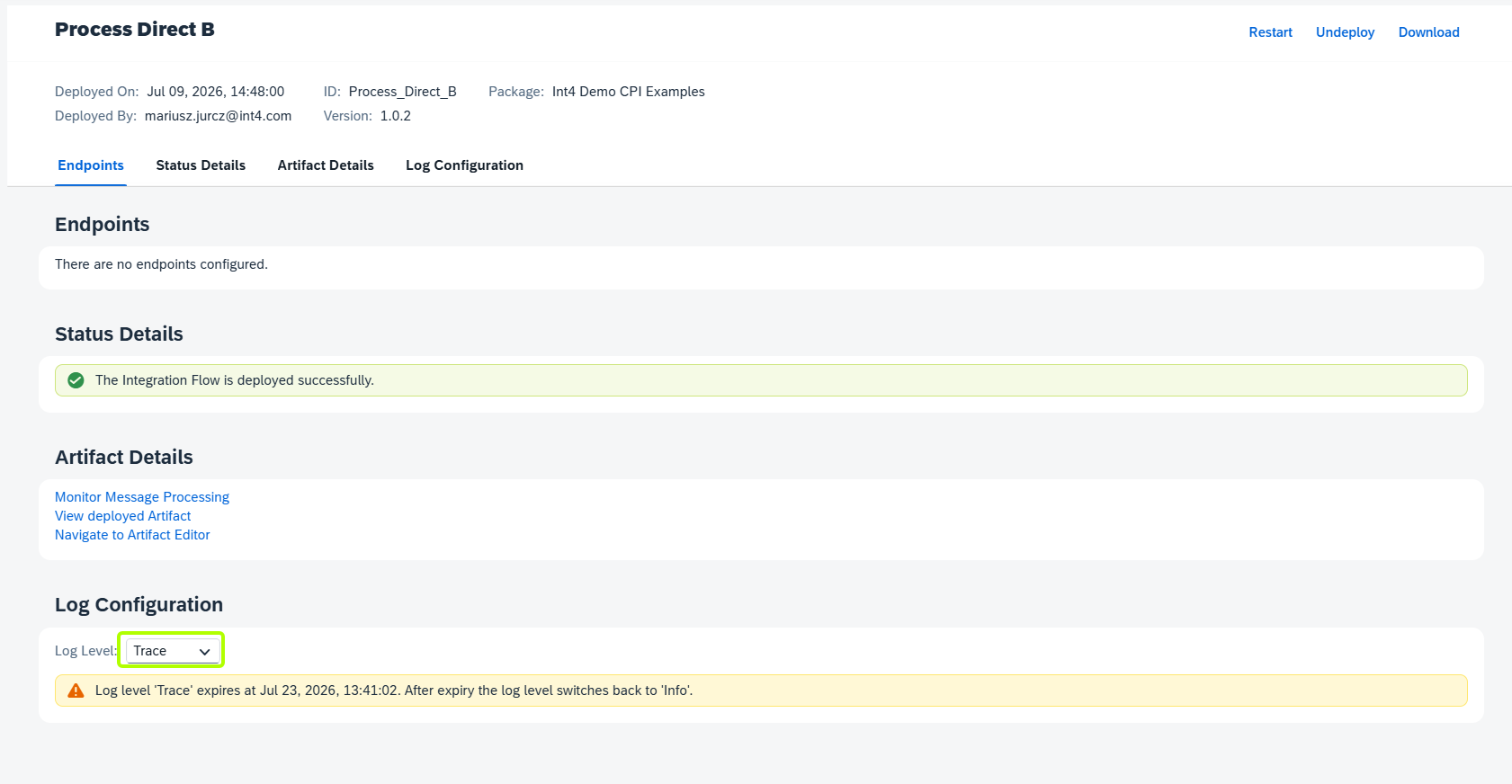
In order to enable Trace for your iFlow you can use report /INT4/IFTT_CPI_TRACE or CPI Test Case Creator Fiori App.
Automation Object setup
On your Automation Object you need to fill up information about blocks in fields:
Block in iFlow to get input payload and/or Block in iFlow to get output payload
Fetching attachment from stored Message Monitor
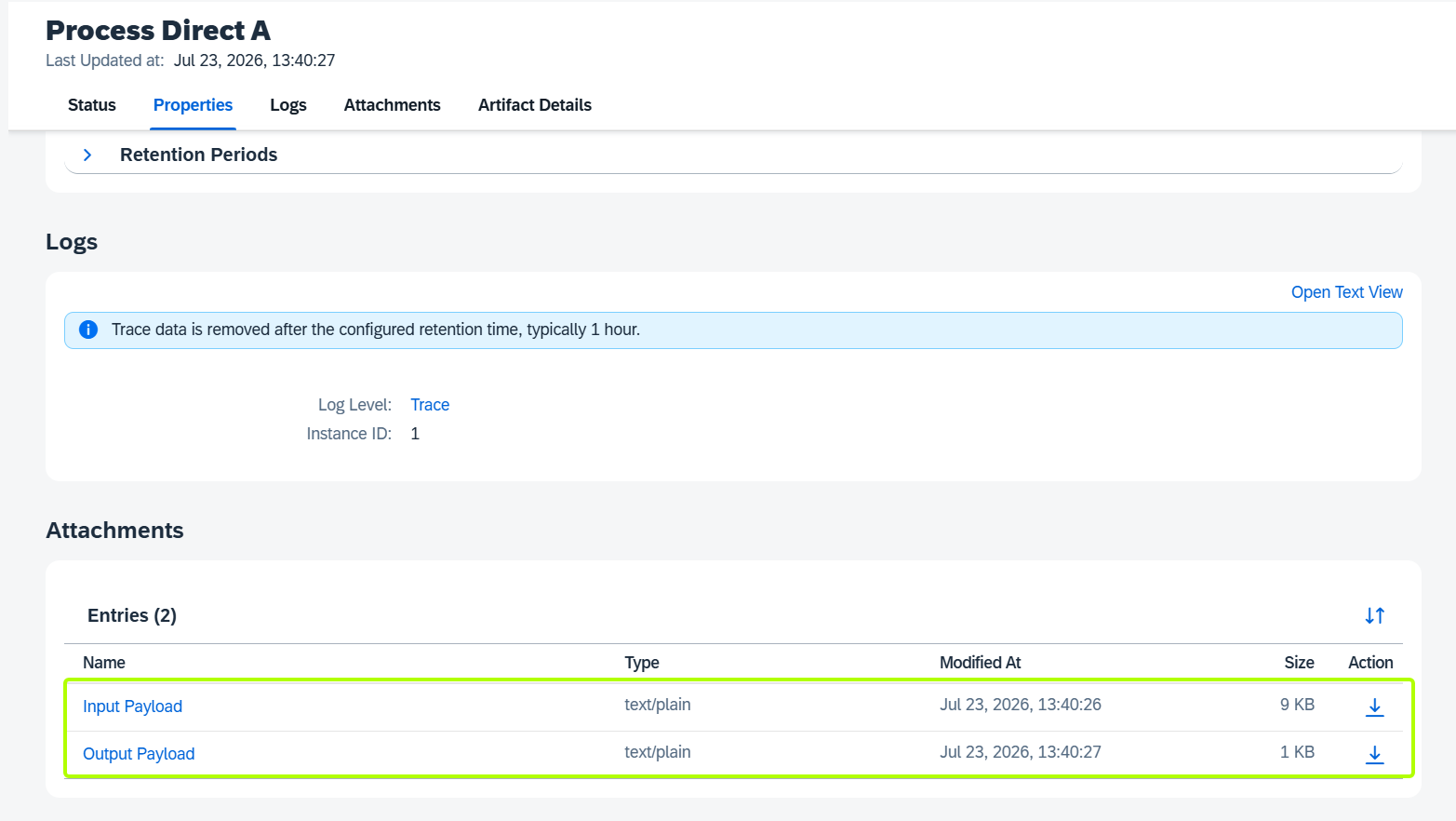
It is possible to fetch attachment instead of traced payload. In this approach in iFlow message needs to be saved as attachment by using Groovy Script.
Automation Object setup
On Automation Object fill out the information regards Attachment Name to get input payload and/or Attachment Name to get output payload with the name of the attachment:
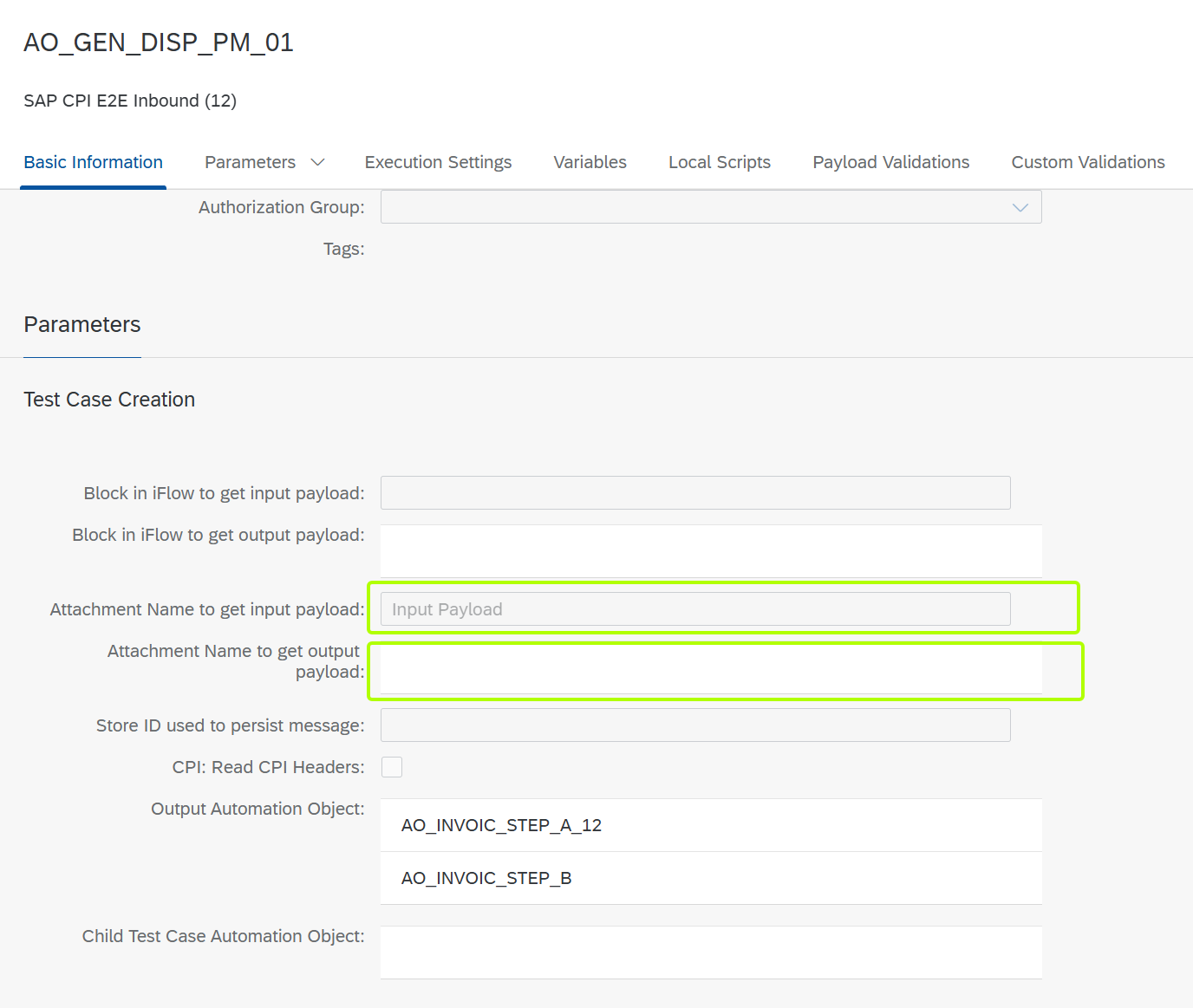
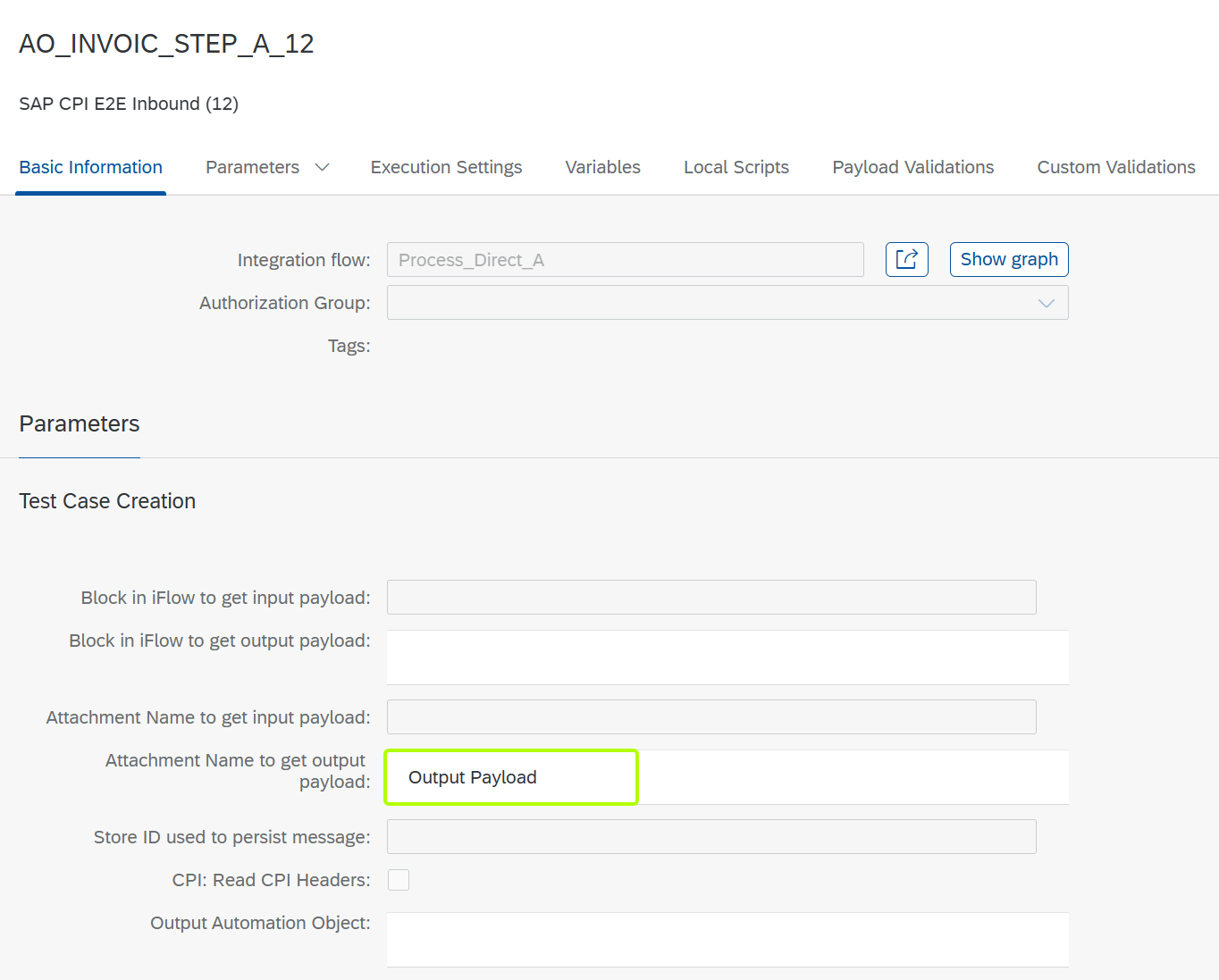
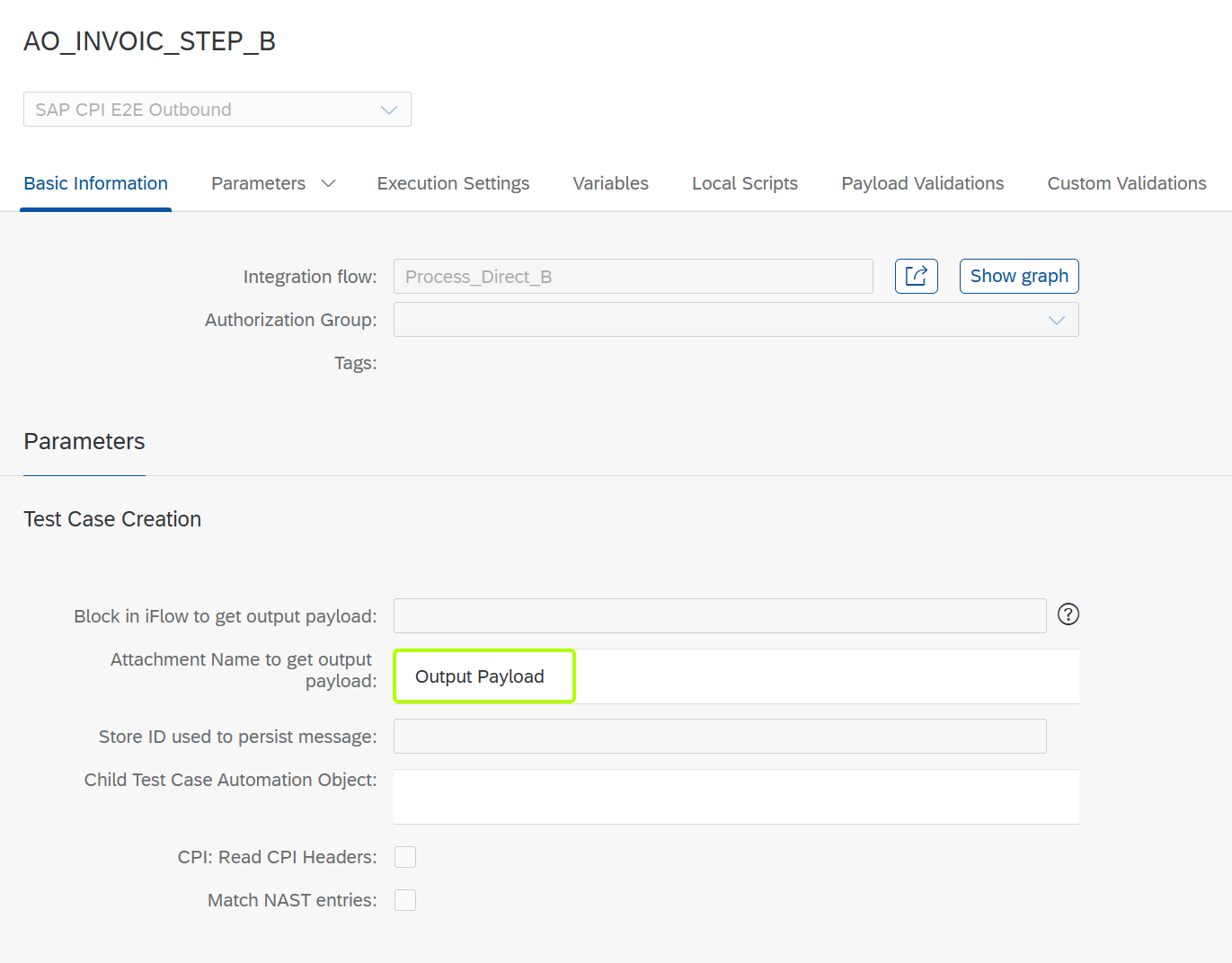
With this approach, during Test Case execution or Test Case creation is done independently of Trace functionality:
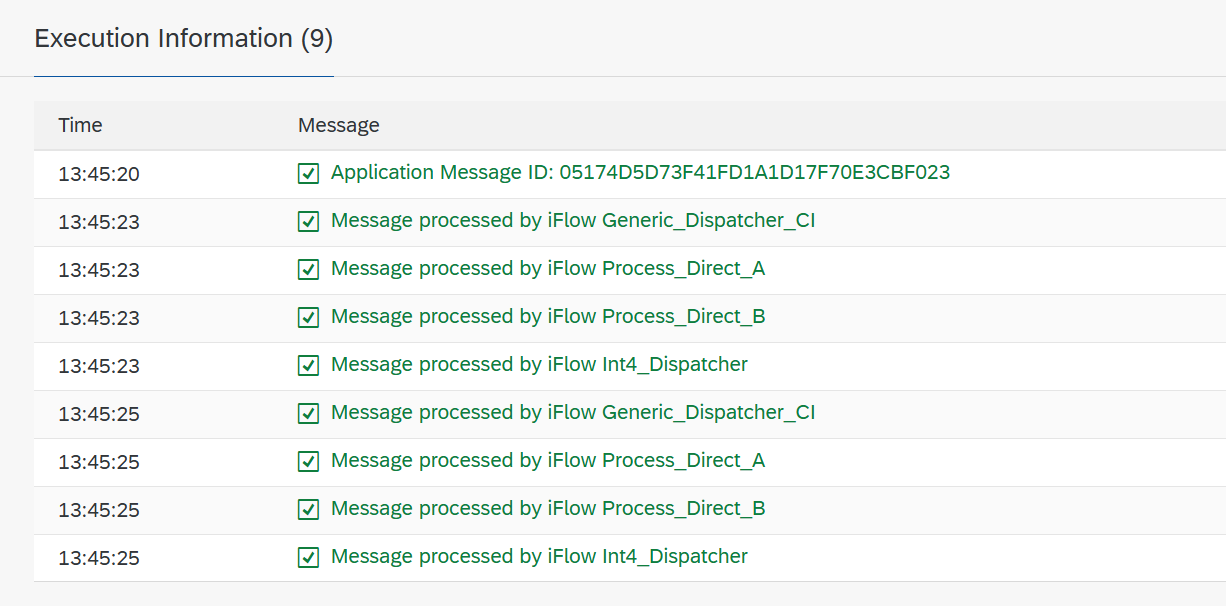
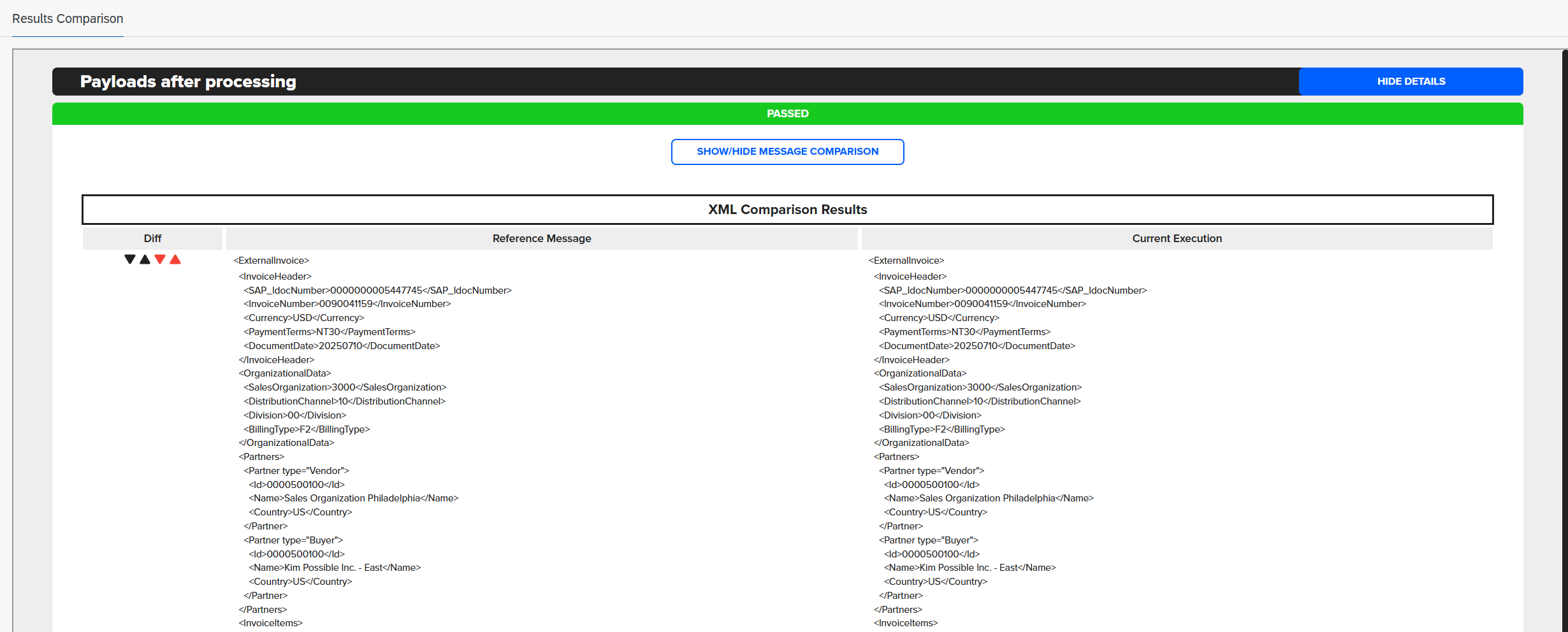
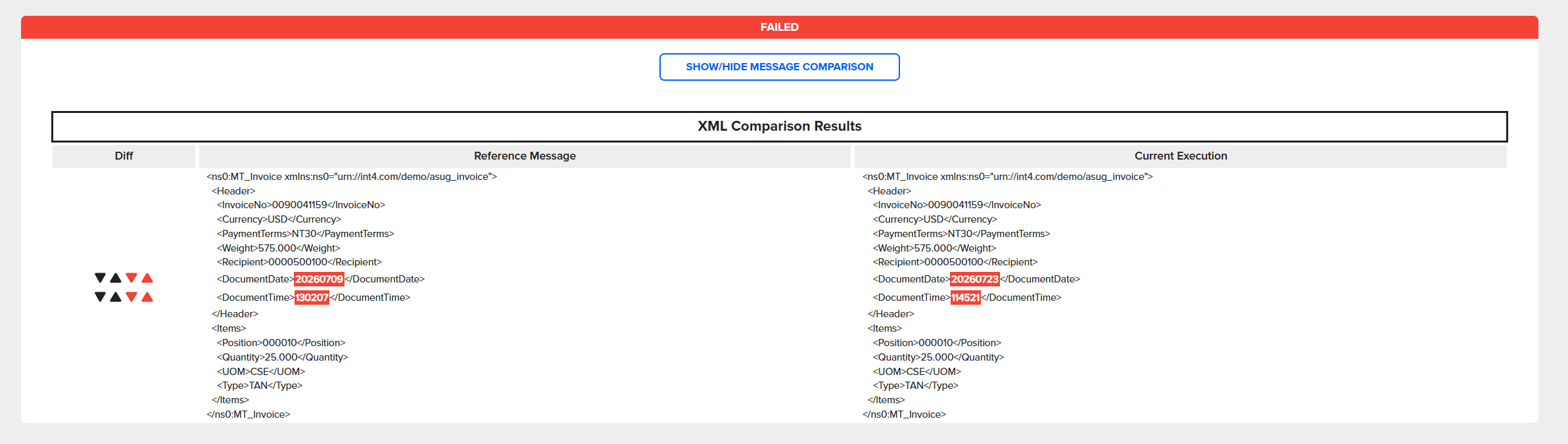
Examples of Groovy Scripts:
This is a sample Groovy script provided for demonstration purposes only. It may require adjustments to work within your specific environment. The author accepts no liability for any issues resulting from its execution. Any similarity to existing scripts or third-party code is purely coincidental.
import com.sap.gateway.ip.core.customdev.util.Message
import java.util.HashMap

def Message processData(Message message) {

    // Retrieve properties from the exchange message
    def properties = message.getProperties()
    def logPayloadProp = properties.get("LogInputPayload")

    // Check if the logging flag is explicitly set to 'true'
    if (logPayloadProp == 'true') {

        def body = message.getBody(java.lang.String)
        def messageLog = messageLogFactory.getMessageLog(message)

        if (messageLog != null) {
            // Add the current message body as an attachment in the Message Processing Log (MPL)
            messageLog.addAttachmentAsString('Input Payload', body, 'text/plain')

            // Flip the flag to 'false' to prevent duplicate logging in subsequent steps or loops
            message.setProperty("LogInputPayload", "false")
        }
    }

    // CRITICAL: The return statement must be outside the 'if' block
    // to ensure the message object is always returned to the pipeline
    return message
}
import com.sap.gateway.ip.core.customdev.util.Message
import java.util.HashMap

def Message processData(Message message) {

    // Retrieve properties from the exchange message
    def properties = message.getProperties()
    def logPayloadProp = properties.get("LogOutputPayload")

    // Check if the logging flag is explicitly set to 'true'
    if (logPayloadProp == 'true') {

        def body = message.getBody(java.lang.String)
        def messageLog = messageLogFactory.getMessageLog(message)

        if (messageLog != null) {
            // Add the current message body as an attachment in the Message Processing Log (MPL)
            messageLog.addAttachmentAsString('Output Payload', body, 'text/plain')

            // Flip the flag to 'false' to prevent duplicate logging in subsequent steps or loops
            message.setProperty("LogOutputPayload", "false")
        }
    }

    // CRITICAL: The return statement must be outside the 'if' block
    // to ensure the message object is always returned to the pipeline
    return message
}
Summary
This page compares two methods for retrieving input/output payloads in Int4 Suite. The first relies on iFlow tracing (enabled via report /INT4/IFTT_CPI_TRACE or the CPI Test Case Creator Fiori App), requiring the Automation Object's "Block in iFlow" fields to be filled in. The second uses a Groovy script to save the message as an attachment in the Message Processing Log, with the Automation Object instead referencing the "Attachment Name" fields — allowing test execution to run independently of trace functionality.
More details can be found:
https://help.int4.com/int4-suite-knowledge-center-library/3.15/int4-suite-cpi-trace-scheduler
https://help.int4.com/int4-suite-knowledge-center-library/3.15/sap-cpi-trace