.png)
Those activities should be done by Security Expert, or Basis Expert.
Get all necessary links based on Service keys generated in Create Service Instances and Service Keys .
Examples:
https://[xxx].authentication.eu10.hana.ondemand.com/oauth/token
https://{xxx}-rt.cfapps.eu10-003.hana.ondemand.com
https://{xxx}.cfapps.eu10-003.hana.ondemand.com
where {xxx} is the tenant ID.
Open the link in web browser and go to the certificate:
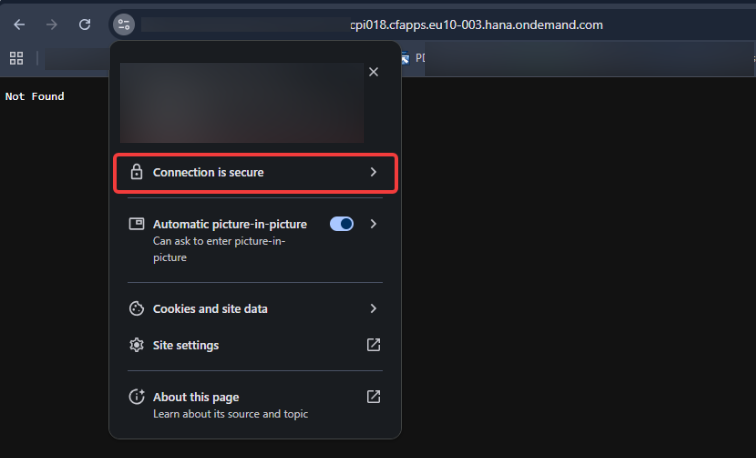
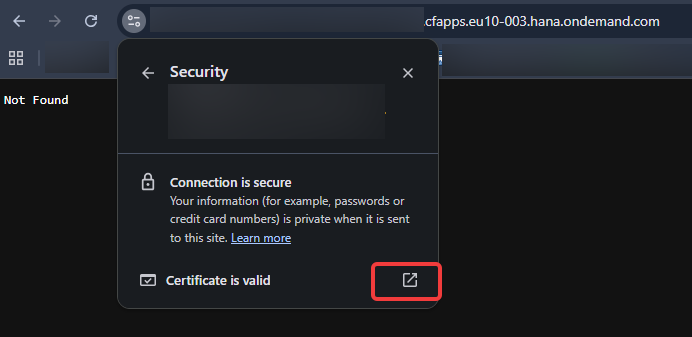
Go to Details:
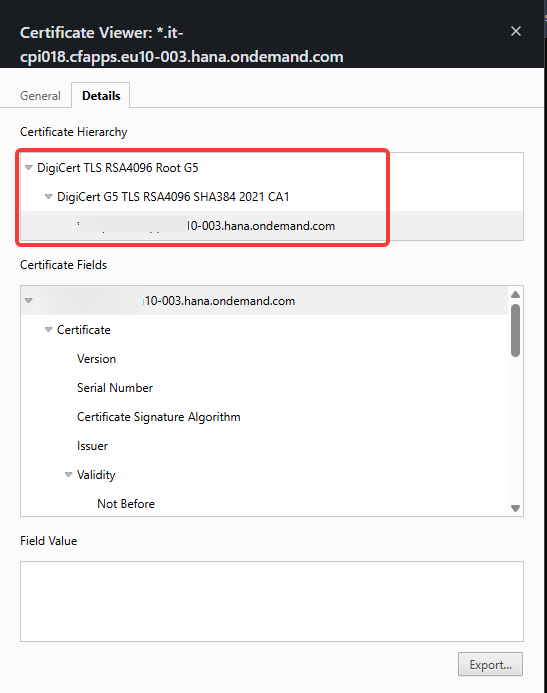
Select one certificate from chain and click Export Button:
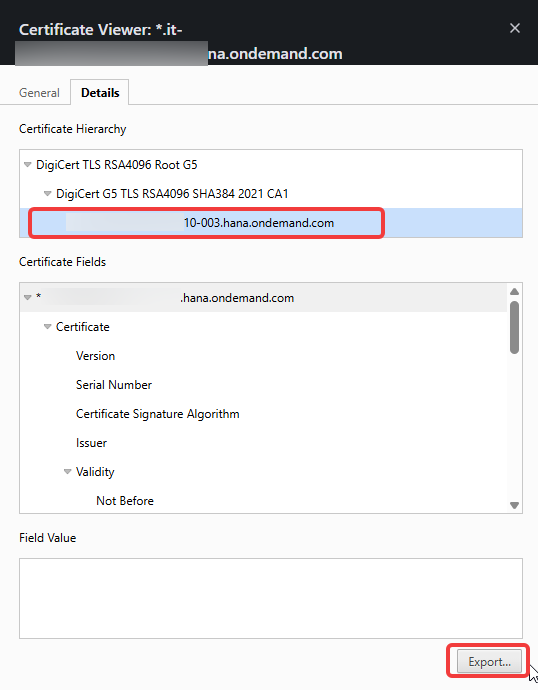
end save that you your disk drive. Repeat those steps for whole chain. You should have couple certificates:
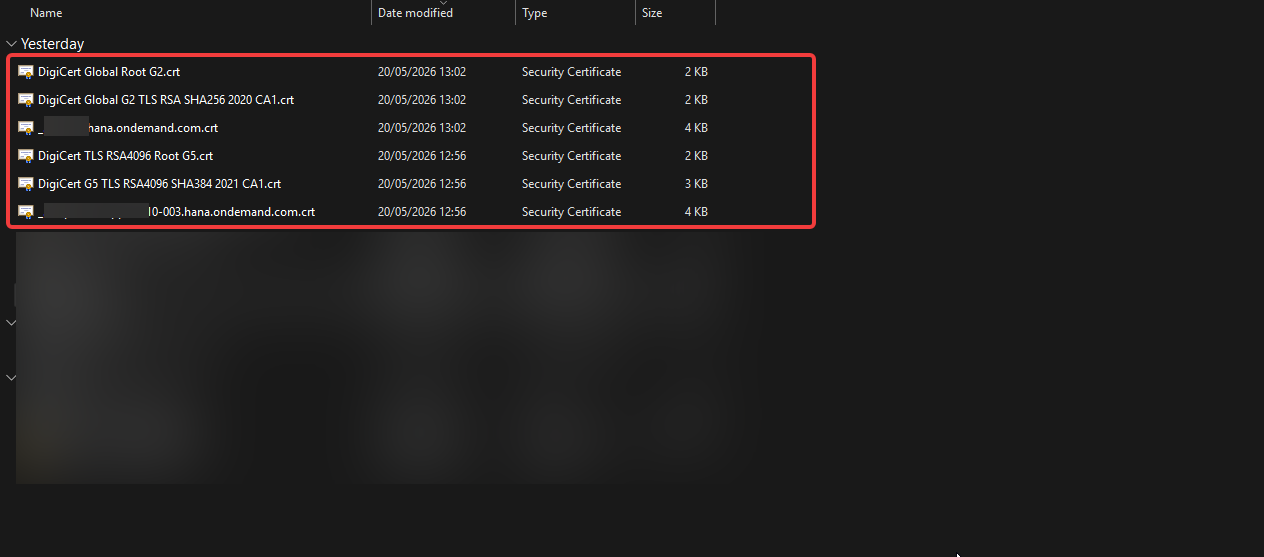
Open transaction STRUST on system where INT4 Suite is deployed:
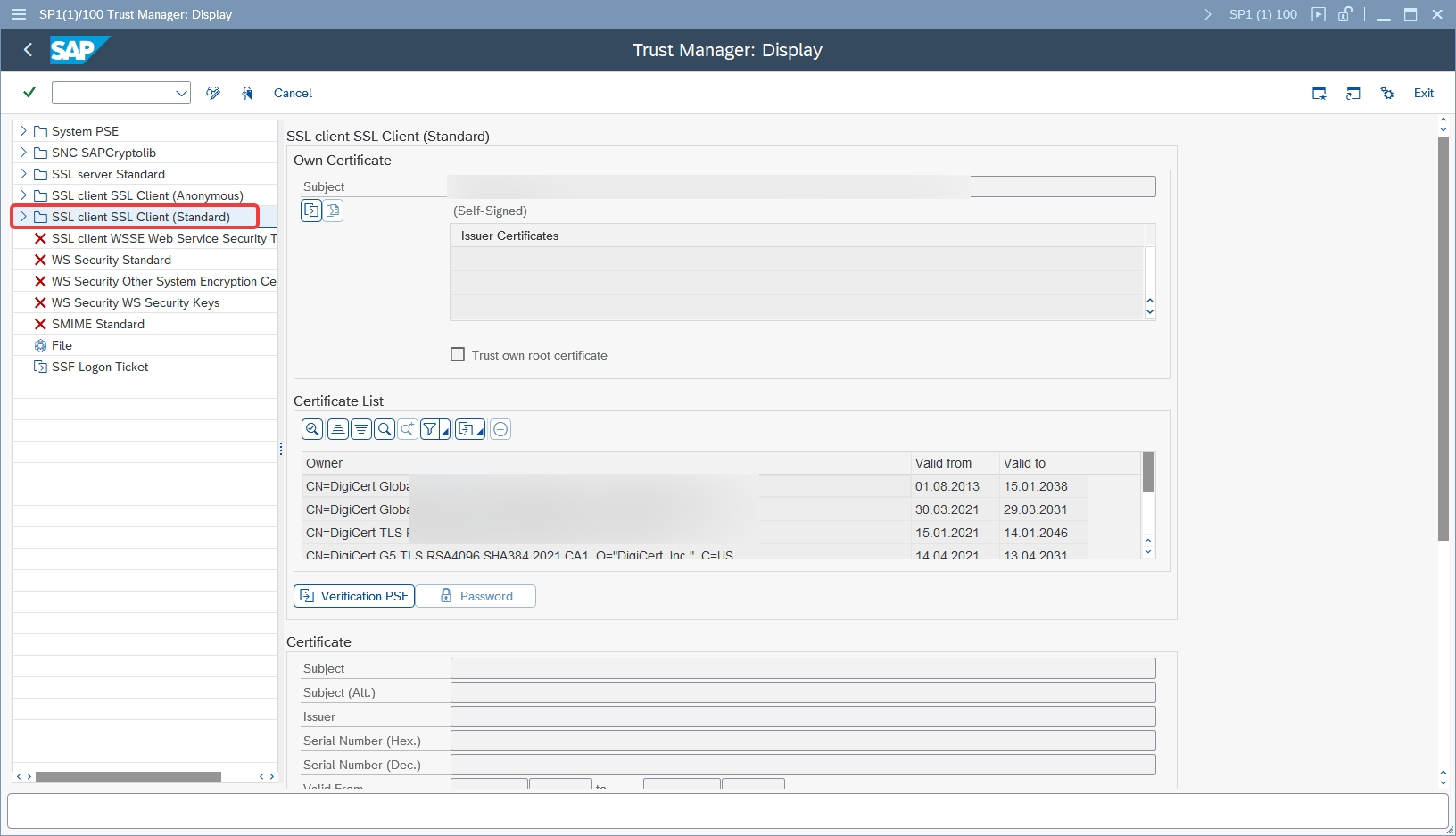
Choose SSL client Standard container and enter Edit Mode
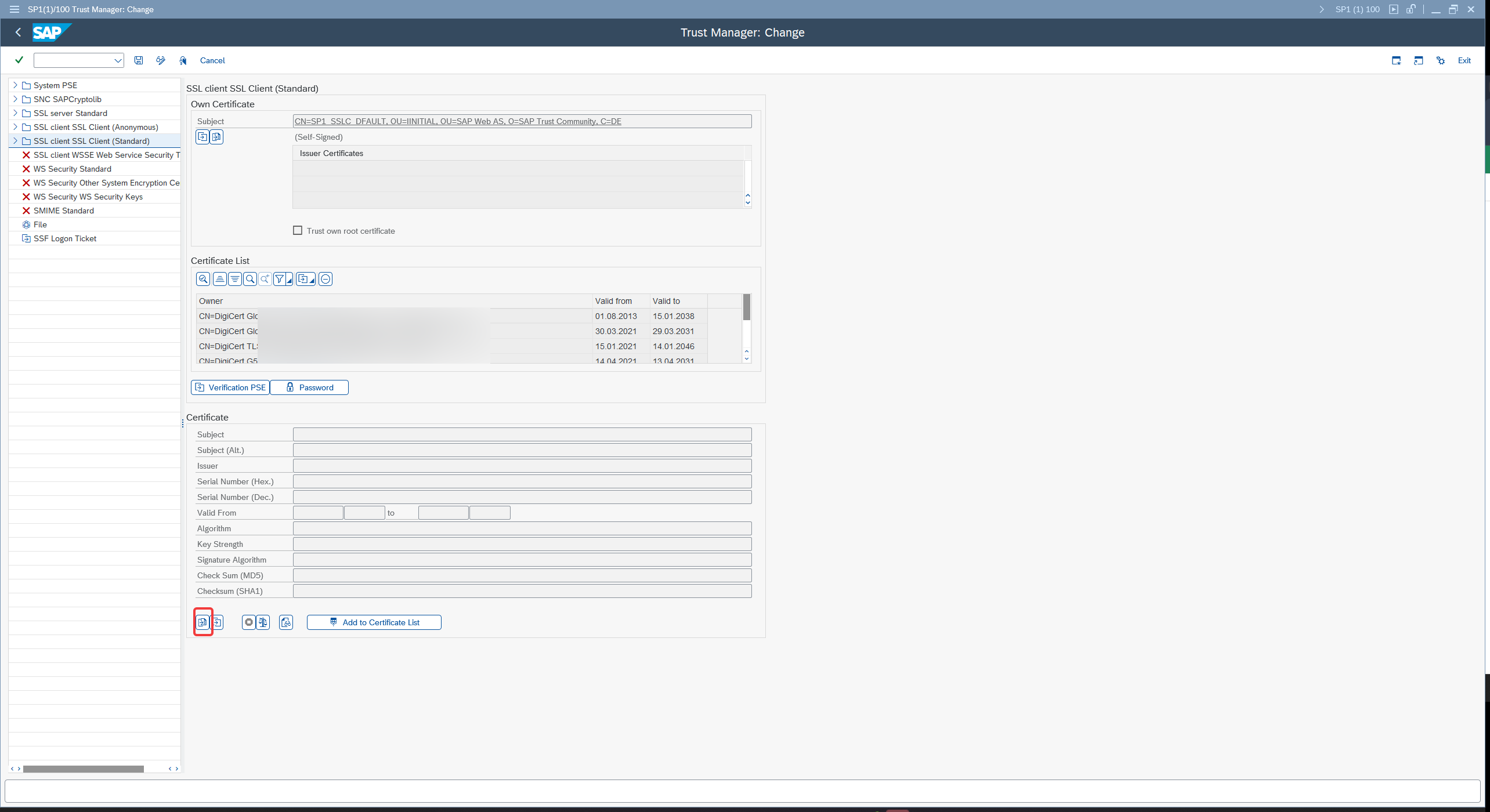
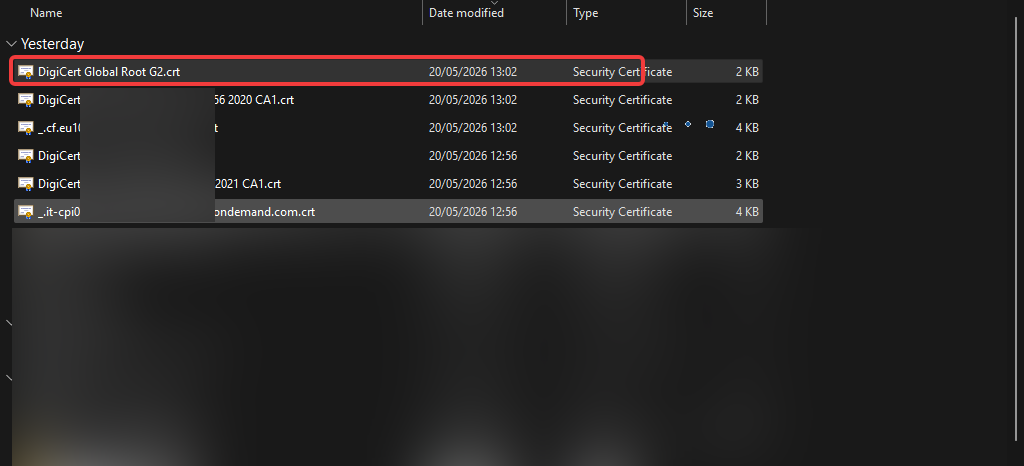
Select your certificate:
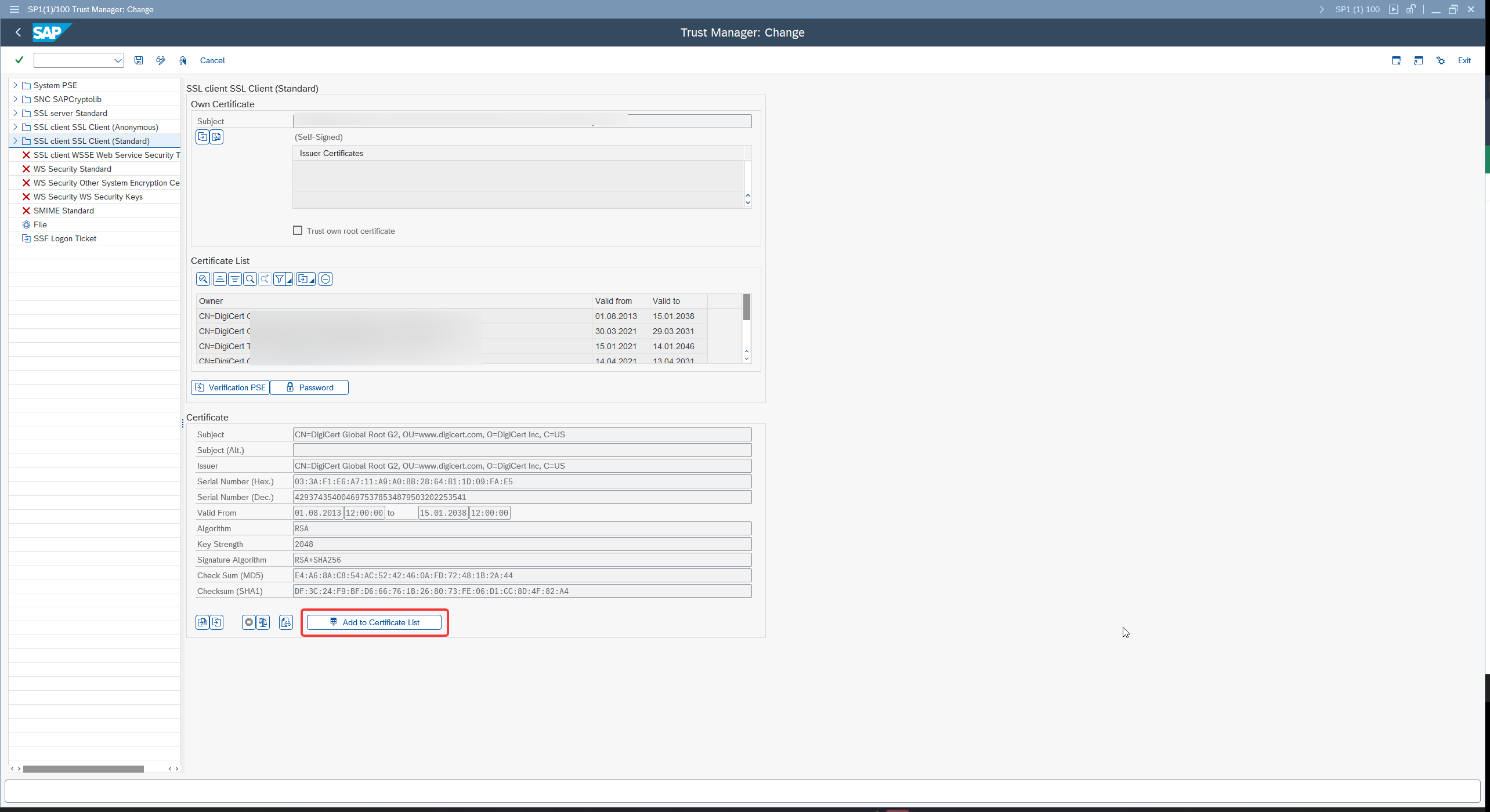
Click on Add to Certificate List button. Repeat the process for all of the certificates. After successful import Save the entries with Floppy disk icon.