.png)
Login to SAP Integration Suite and import package from file Int4 Testing Package.zip.

After import you should see this package:

Click on the package and switch to Artifacts section
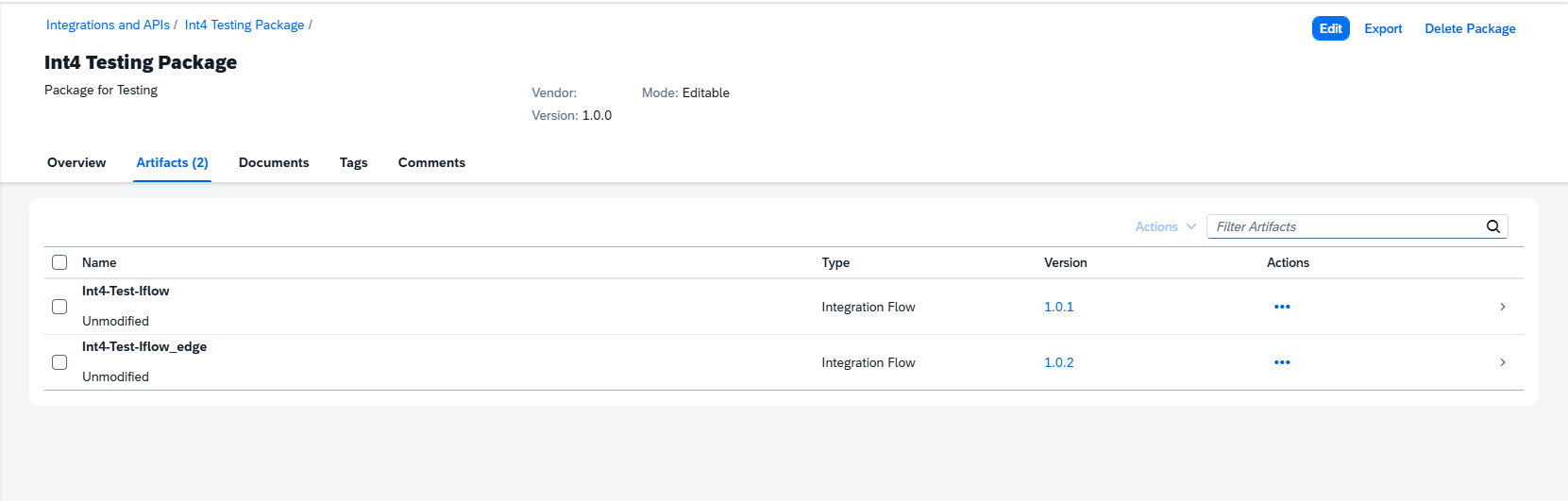
Those IFlows were created to send test messages to SAP IS, Cloud Integration Runtime (Int4-Test-Iflow).
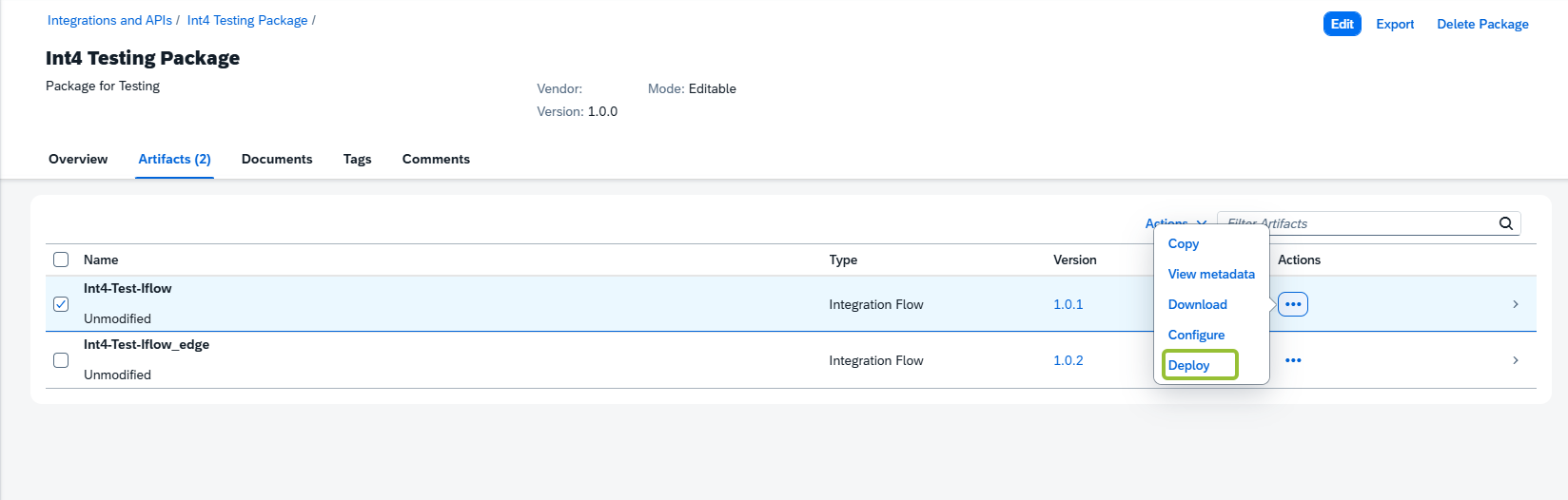
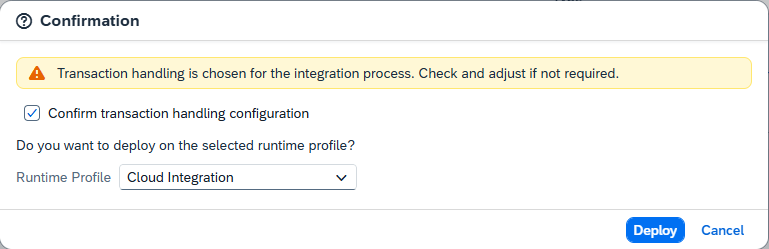
Deploy the Int4-Test-Iflow in Cloud Integration Runtime: