.png)
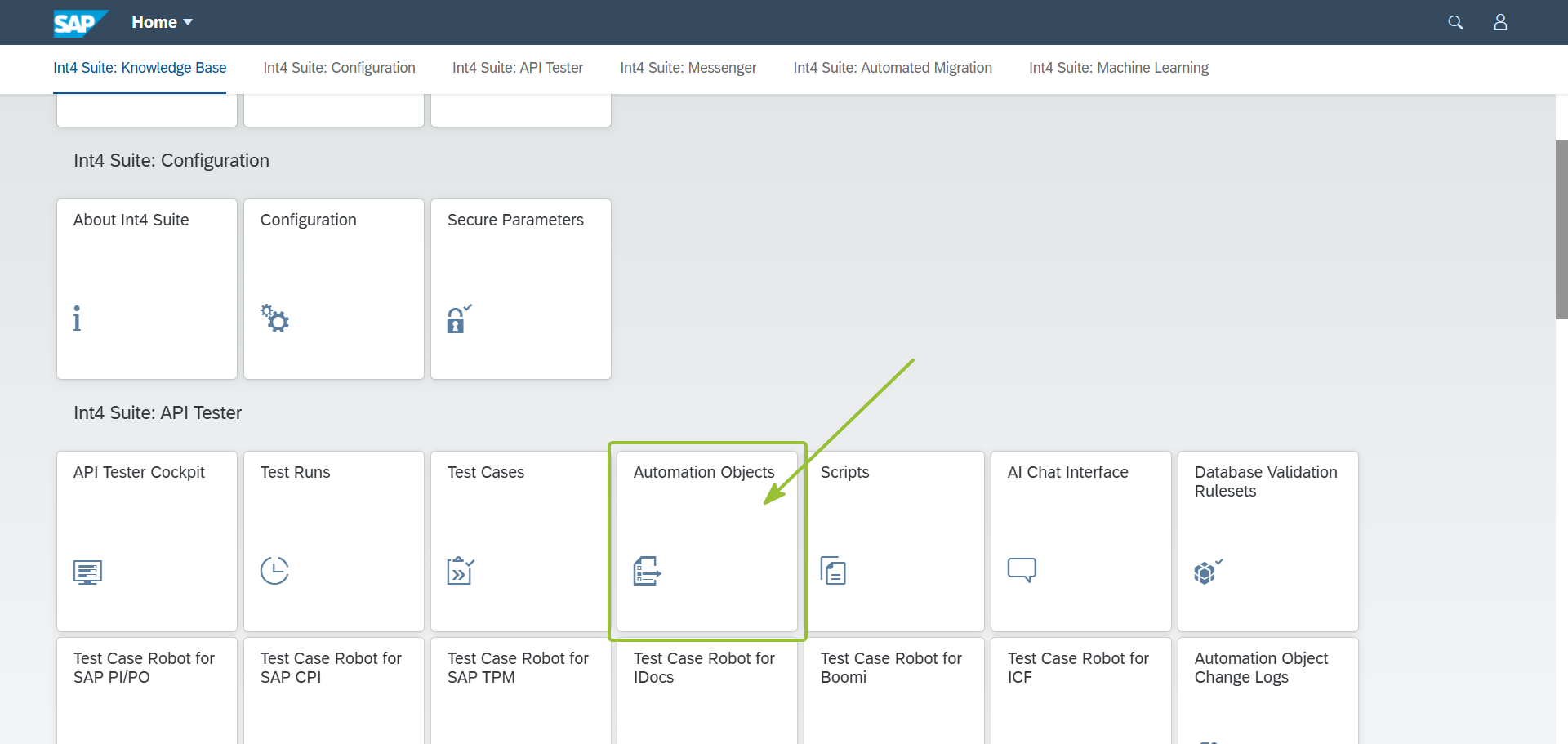
Login to Int4 Suite, find application Automation Objects:
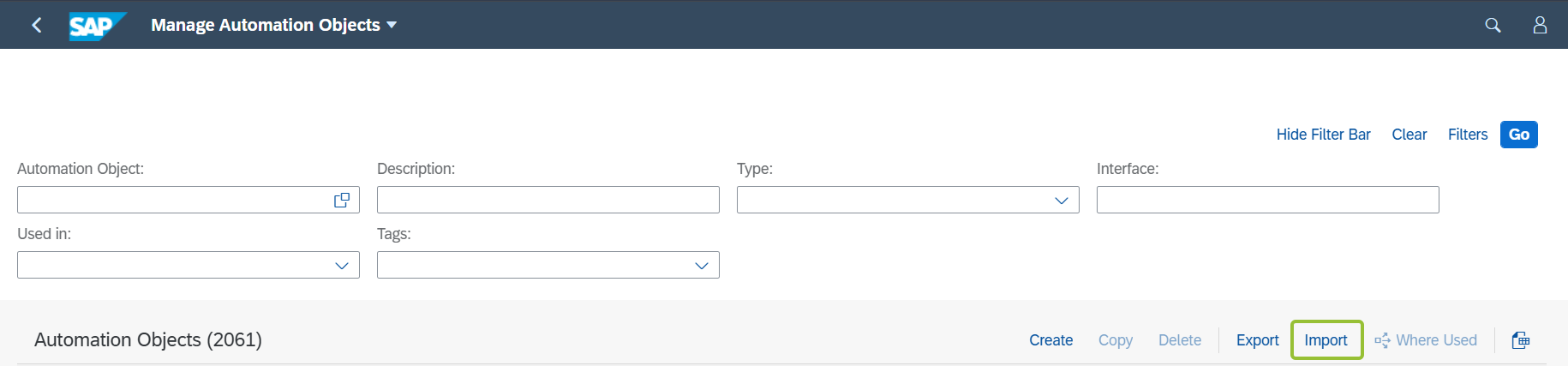
On the next screen click Import button, you need to select archive: export_objects_AO.zip
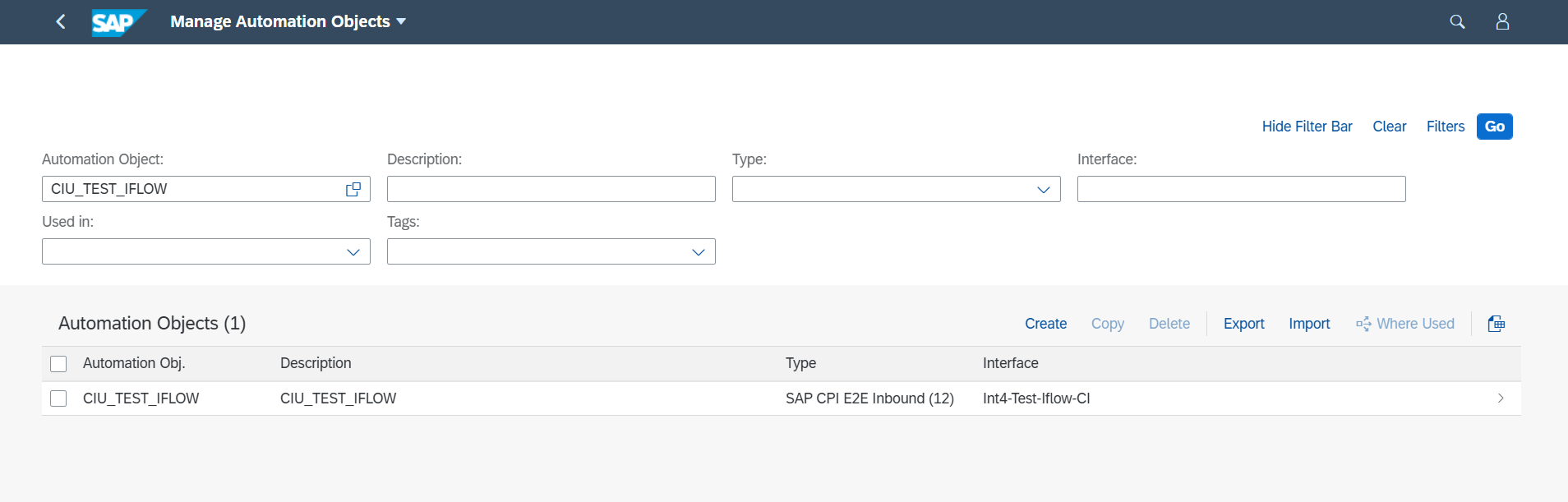
After successful import you should see CIU_TEST_IFLOW Automation Object in the list:
After Automation Object import the Test Cases. Go to the main Launchpad and find application Test Cases:
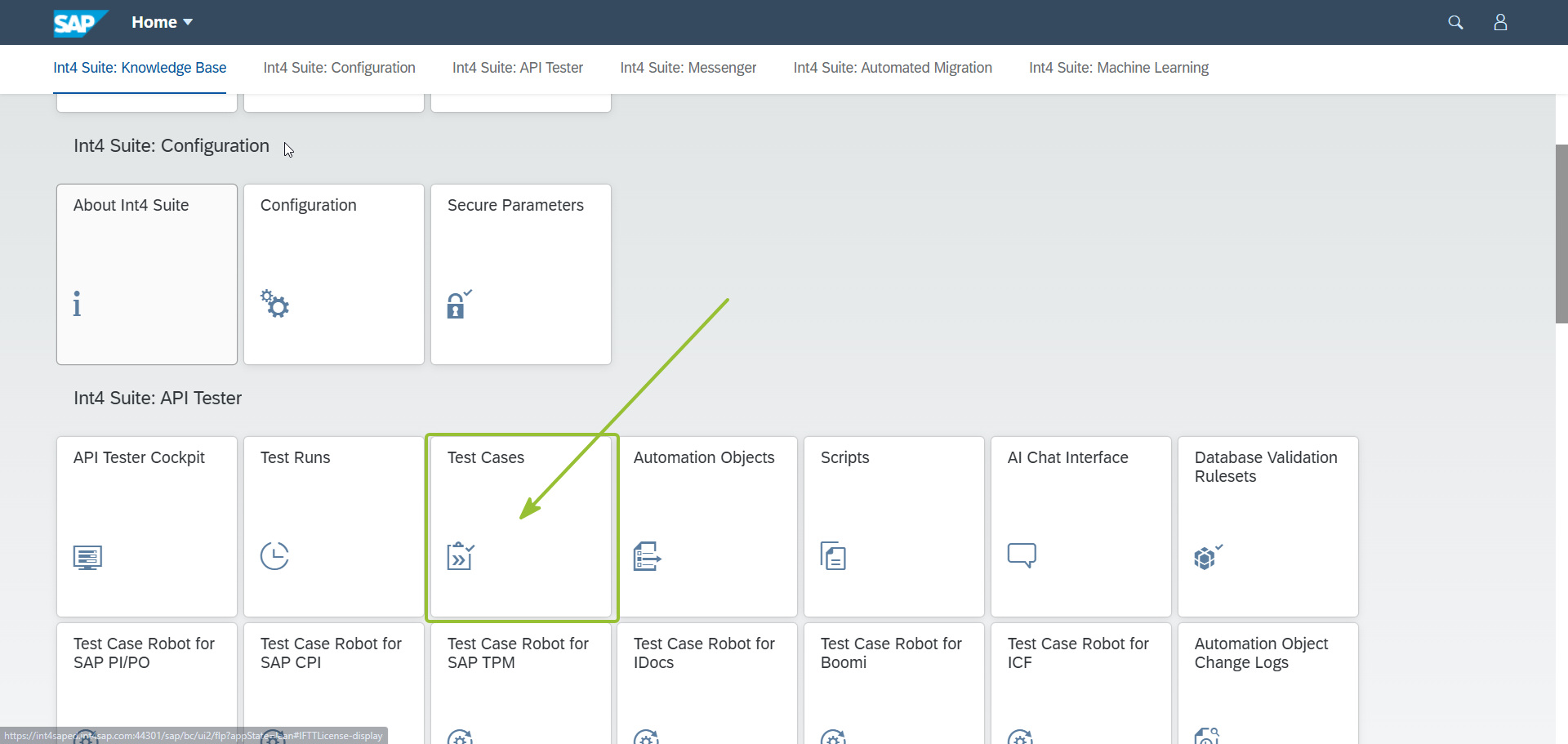
Use Import button to import Test Case:
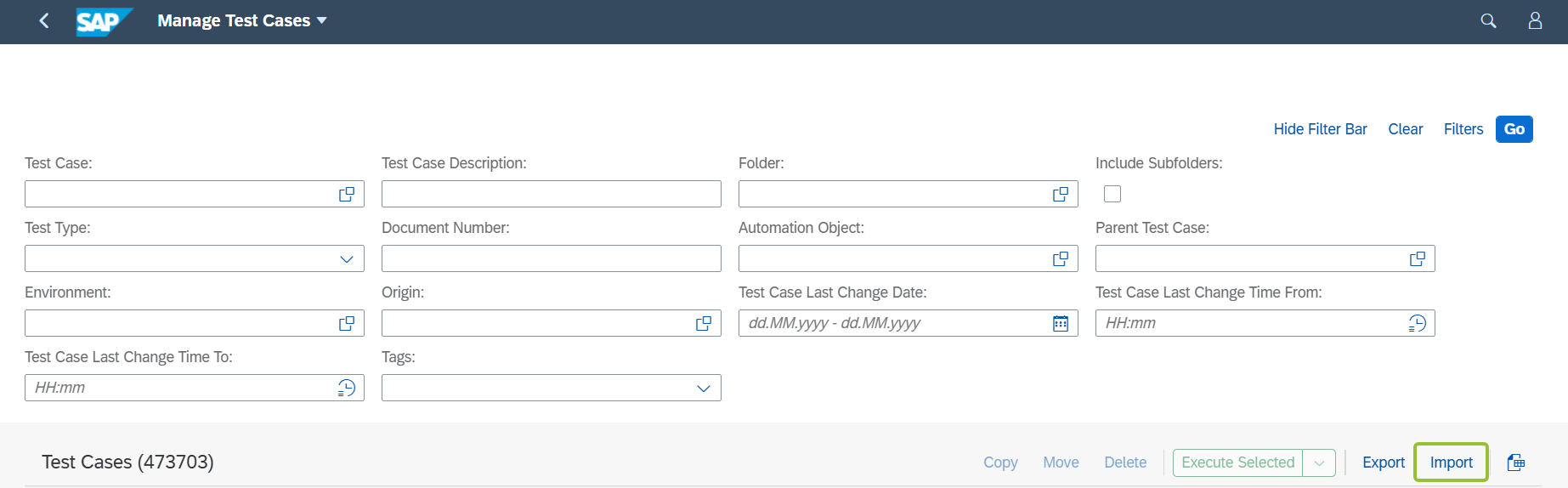
Choose iFlow_test.xml
Go to the main Launchpad and find API Tester Cockpit application:
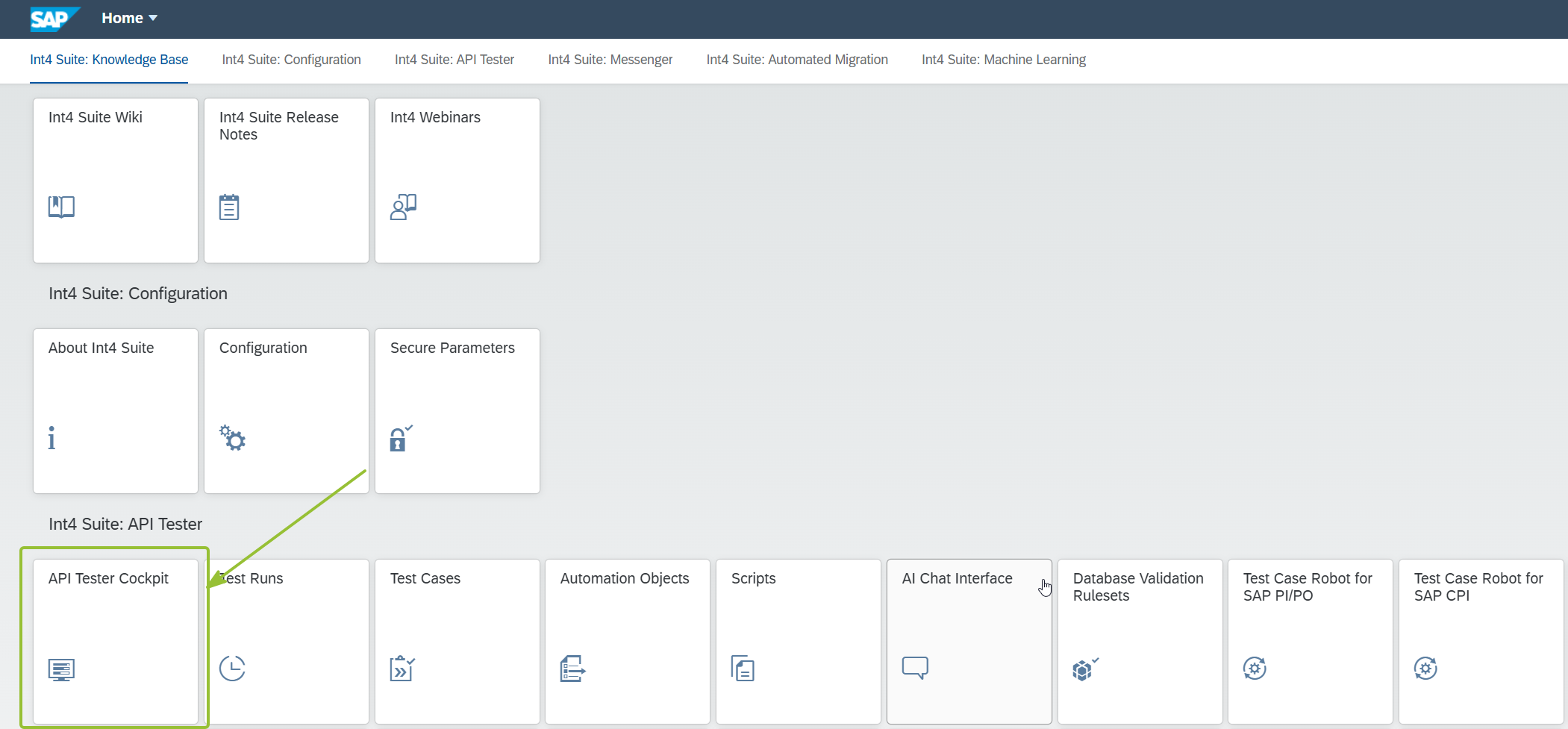
In the cockpit you should see new folder:
Open folder Int4-Test-Iflow:
On right side you should see the Test Case:
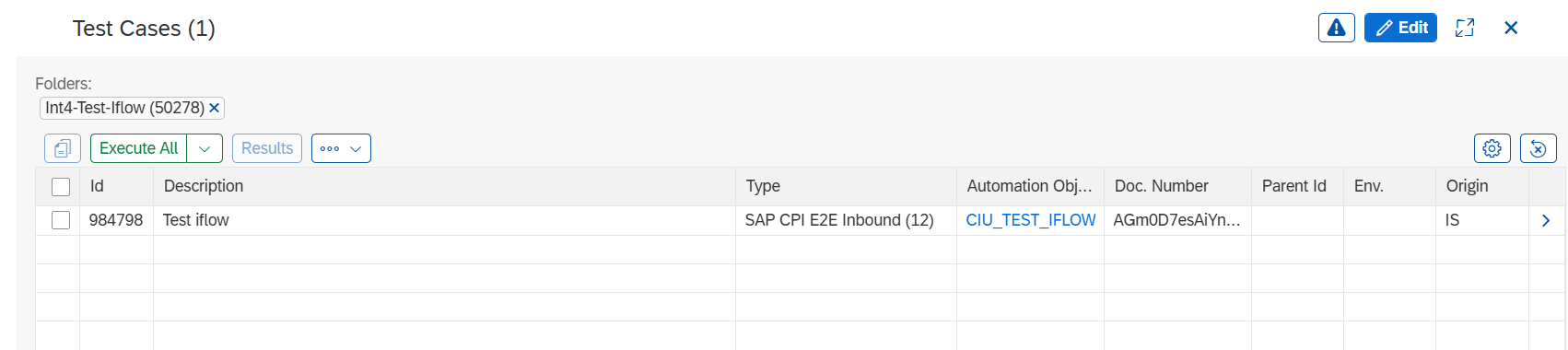
Mark Test Case with Checkbox, and click Execute Selected

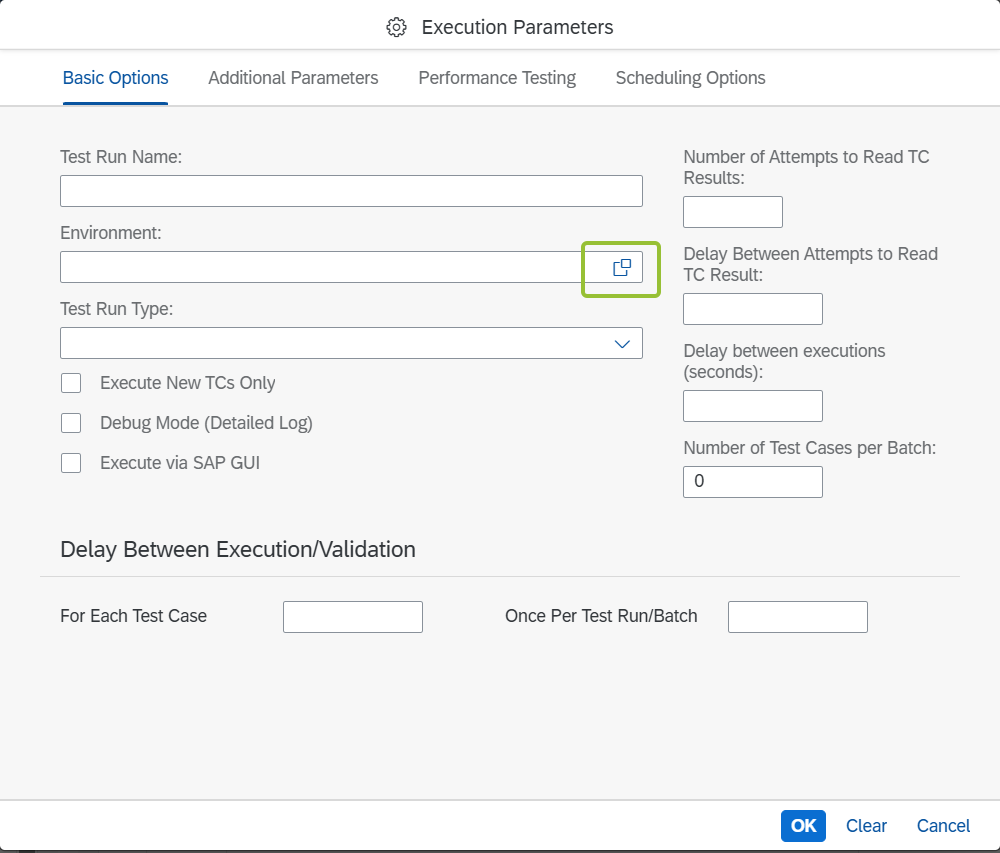
Select environment of your SAP Integration Suite tenant. and click OK
The environment might differ in you system, it depends on configuration in your system.
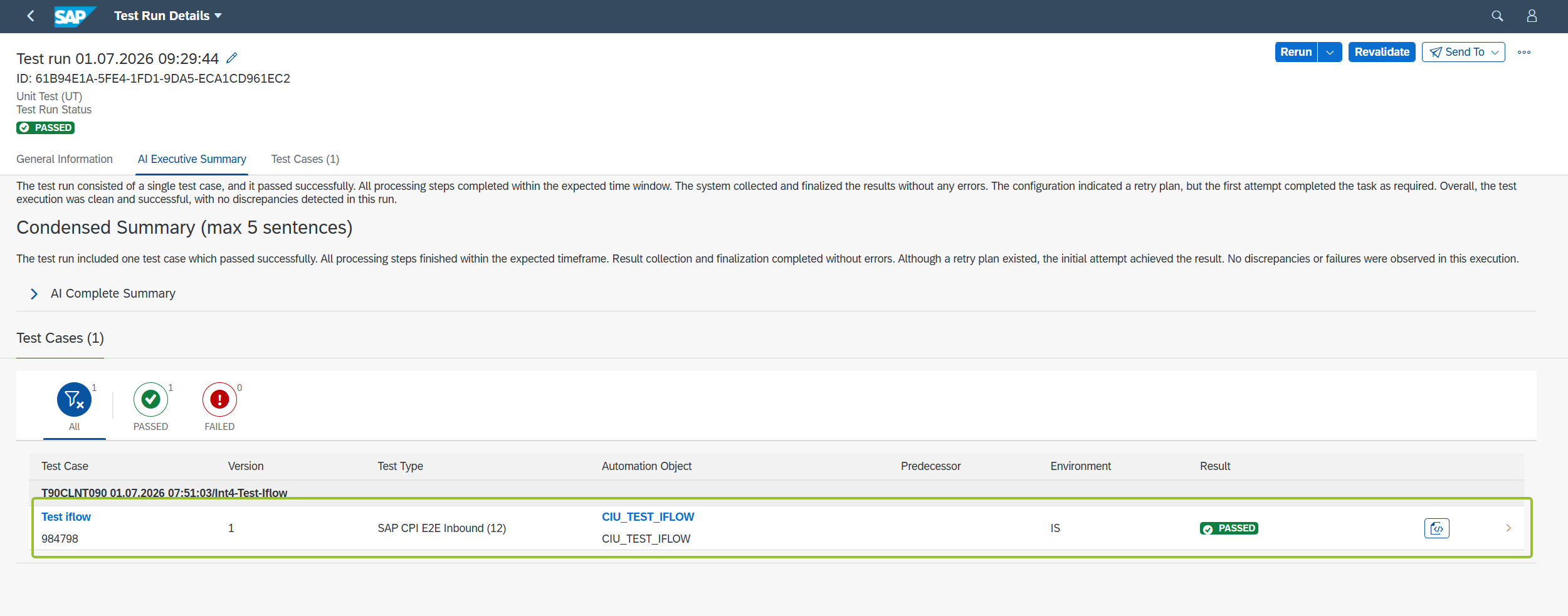
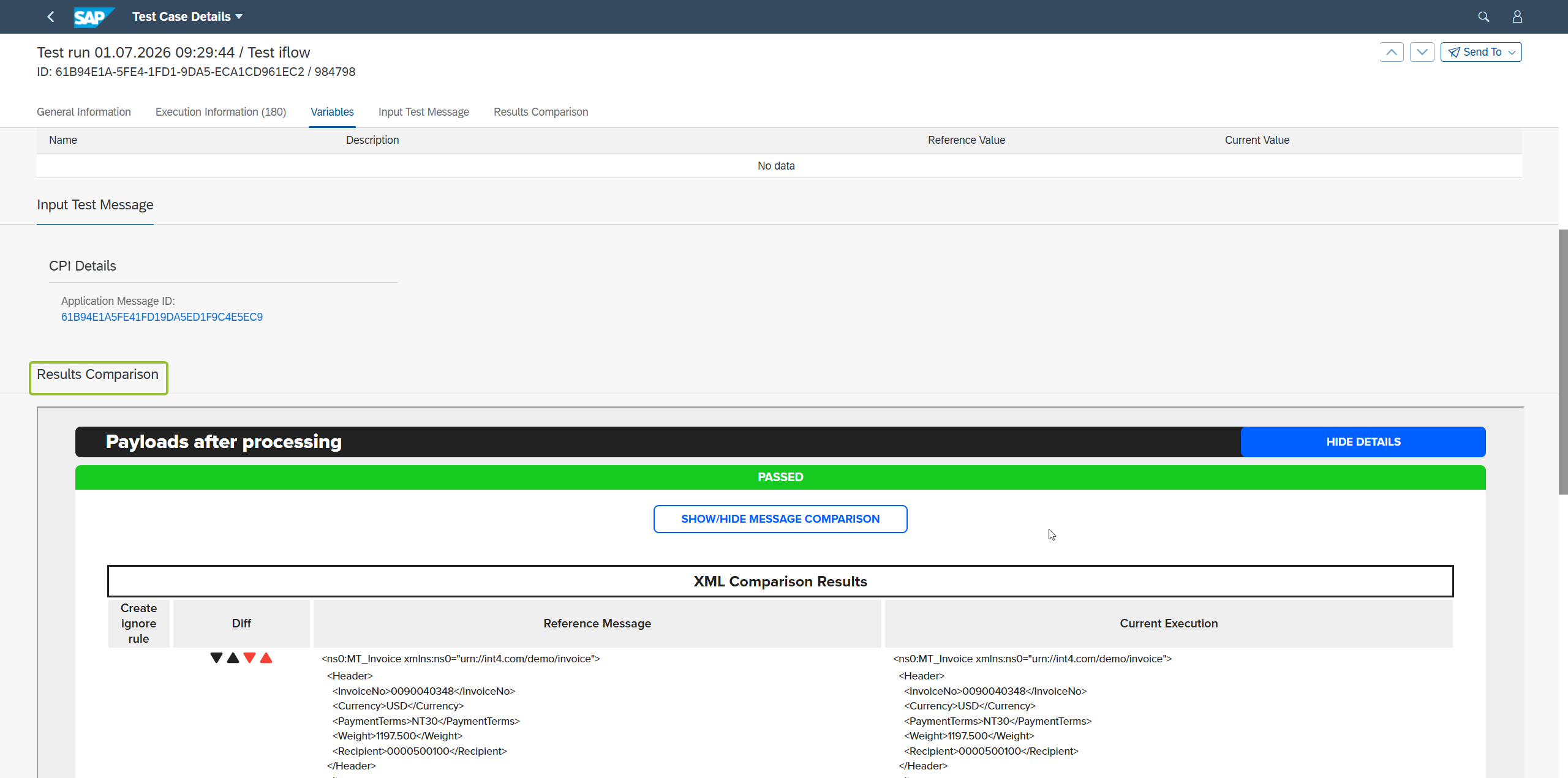
Enter the details of your test run, you should see the message comparison:
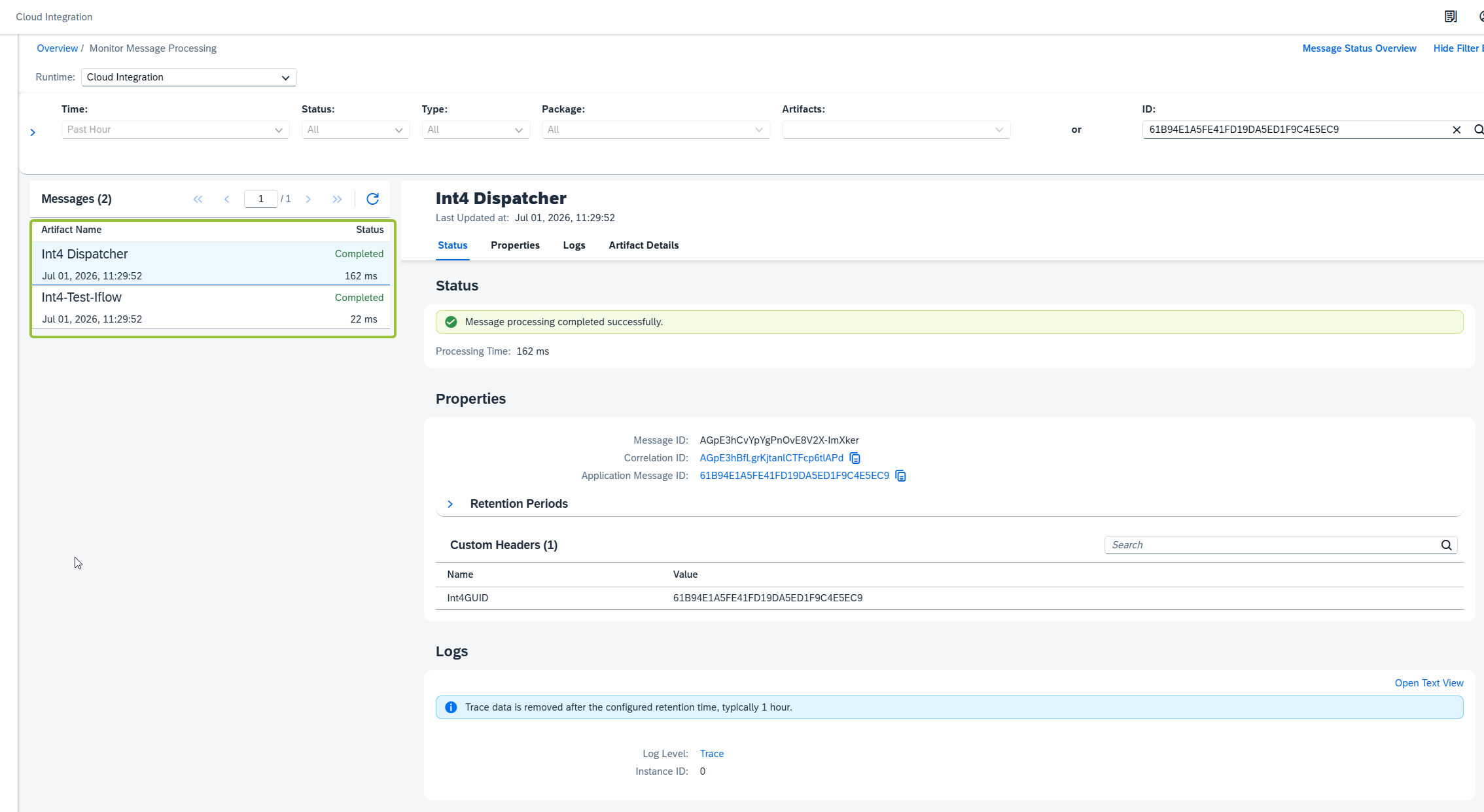
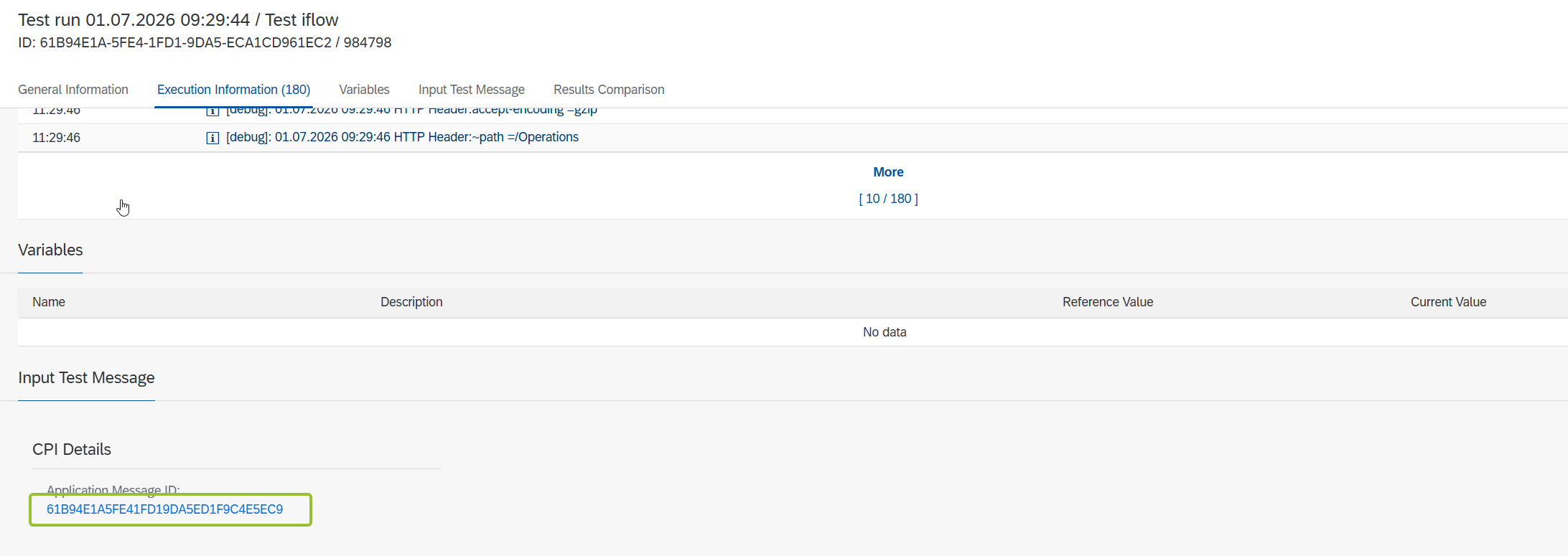
Go to the Application Message ID:
You will see 2 iFlows that were executed: